

Turtle 3D Scanner
The details make the difference. Check the fit before you order.
 1 / 7
1 / 7SKU 3DMAKERPRO-8130099707973-45168236429381
Order before 3pm for same-day processing. Tracked delivery, [CONFIRM TYPICAL DELIVERY WINDOW] to your door.
Make it yours
Choose your options. The price updates as you go.
Swap the module, upgrade the scan with 3DMakerpro Turtle 3D Scanner, a wireless 3-in-1 modular scanner for CAD, mechanical parts and 3D printing.
Features & product detailsExplore the design, capabilities and setup information.
A closer look
Turtle 3D Scanner · Fabinity guide to 3DMakerpro features.
Explore product details (8)
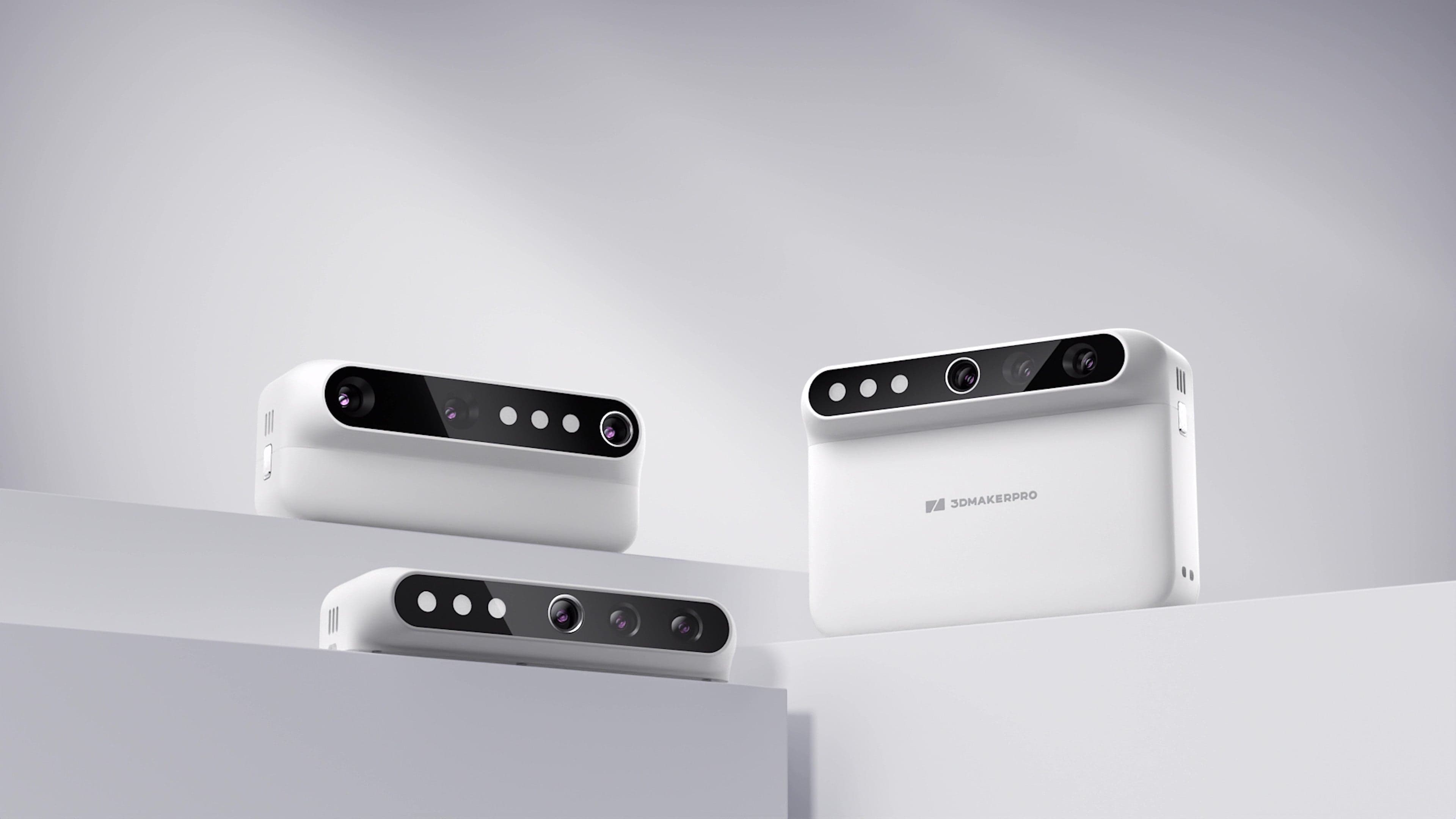
SWAP THE MODULE,UPGRADE THE SCAN.
Turtle Series SWAP THE MODULE, UPGRADE THE SCAN. One host. Three modules. Magnetically swap between S, M and L to match every scan job.
SWAP THE MODULE,UPGRADE THE SCAN.
SWAP THE MODULE,UPGRADE THE SCAN. - 1
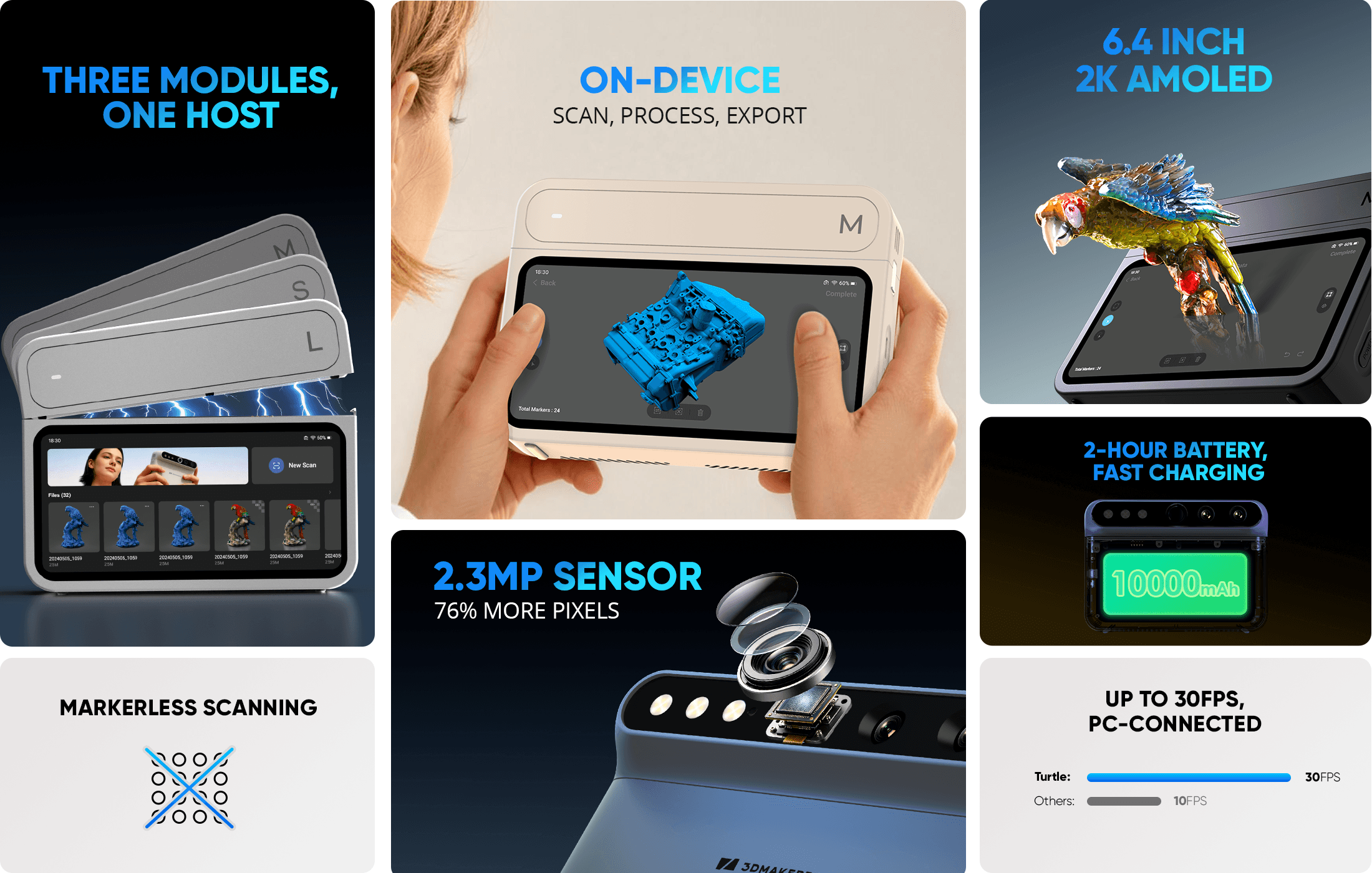
Key features of 3DMakerpro Turtle: 3 swappable modules, on-device processing, 2.3MP sensor, 2K AMOLED screen, large battery.
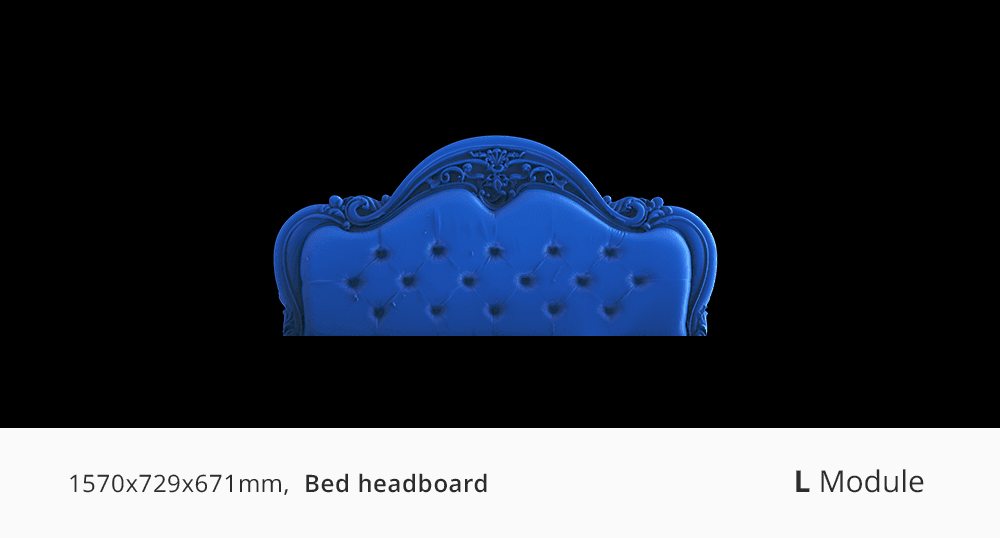
Large furniture bed headboard 3D scan captured with 3DMakerpro Turtle L Module.
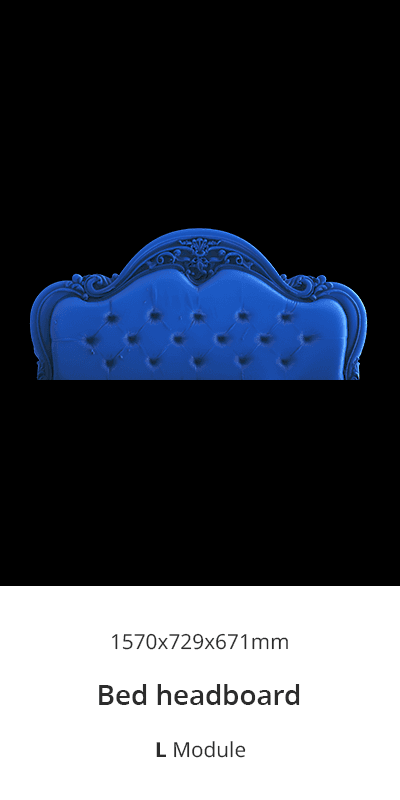
Large furniture bed headboard 3D scan captured with 3DMakerpro Turtle L Module.
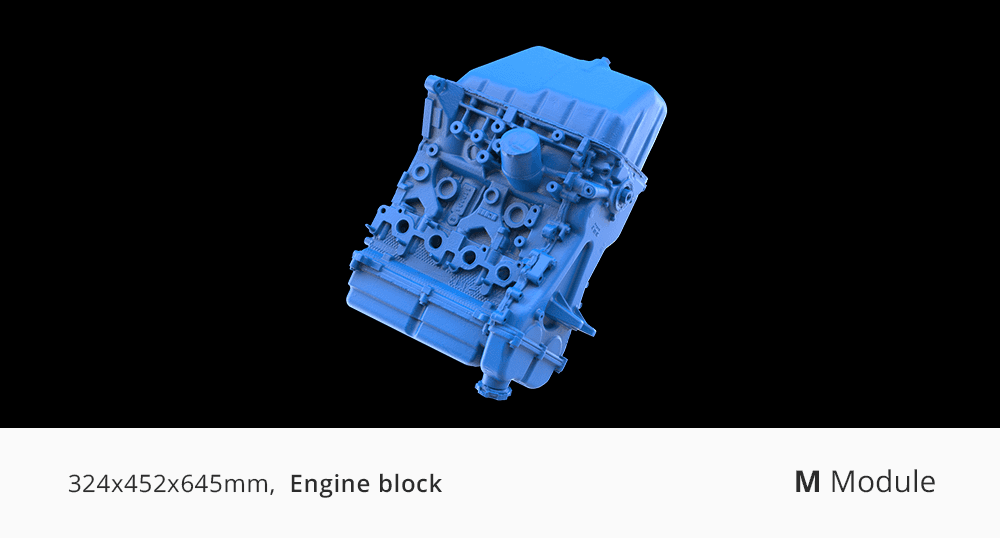
Automotive engine block 3D scan demonstrating the 3DMakerpro Turtle M Module.
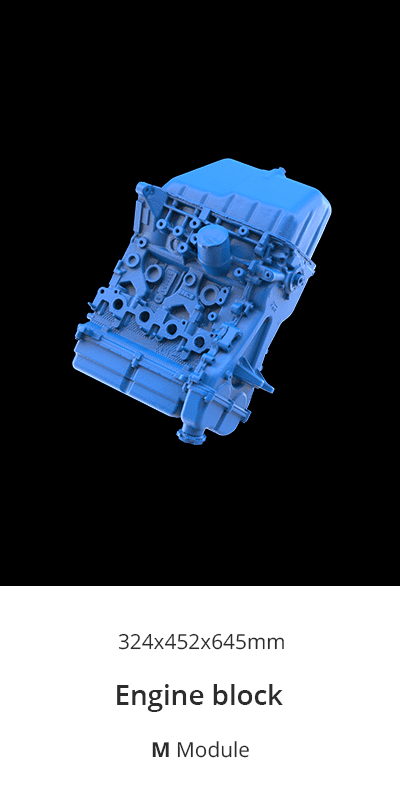
Automotive engine block 3D scan demonstrating the 3DMakerpro Turtle M Module.
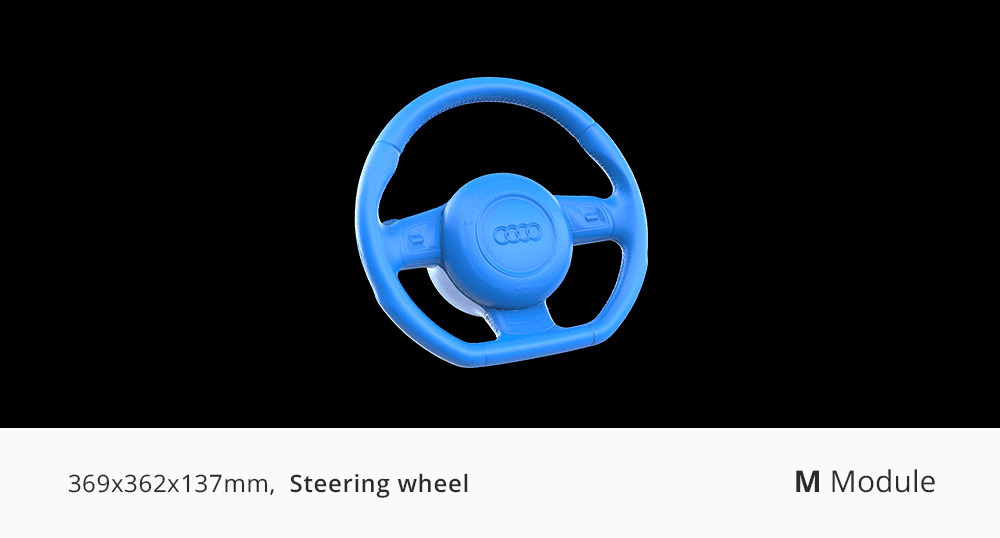
Car steering wheel 3D scan model captured by 3DMakerpro Turtle M Module.
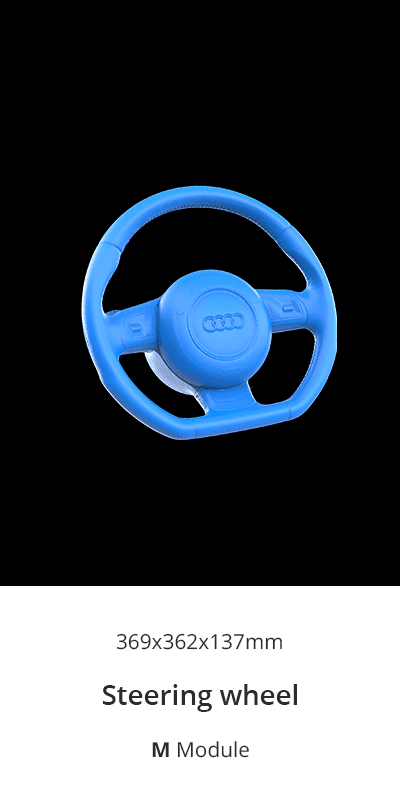
Car steering wheel 3D scan model captured by 3DMakerpro Turtle M Module.
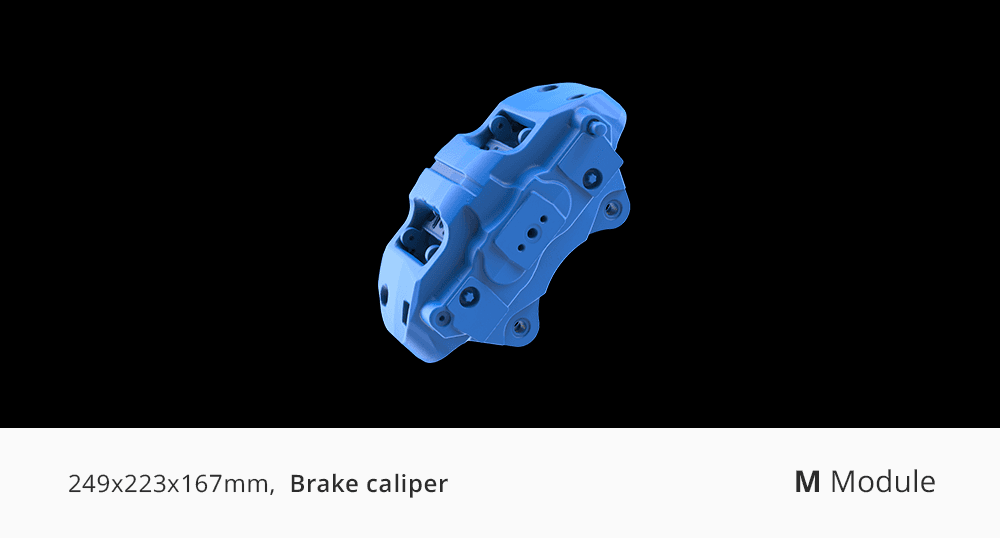
Industrial brake caliper 3D scan effectively scanned with 3DMakerpro Turtle M Module.
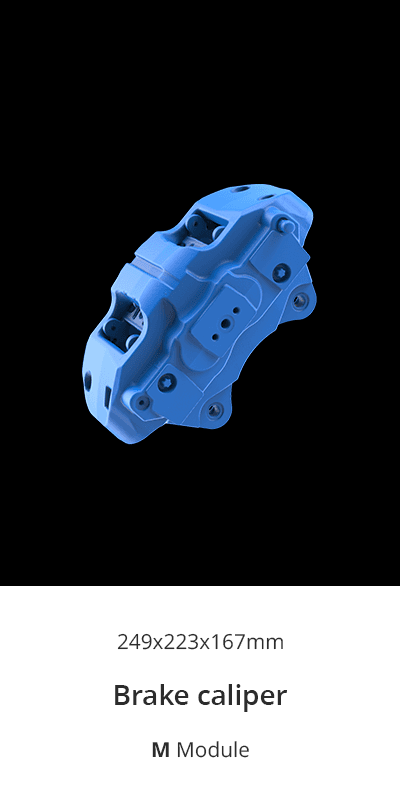
Industrial brake caliper 3D scan effectively scanned with 3DMakerpro Turtle M Module.
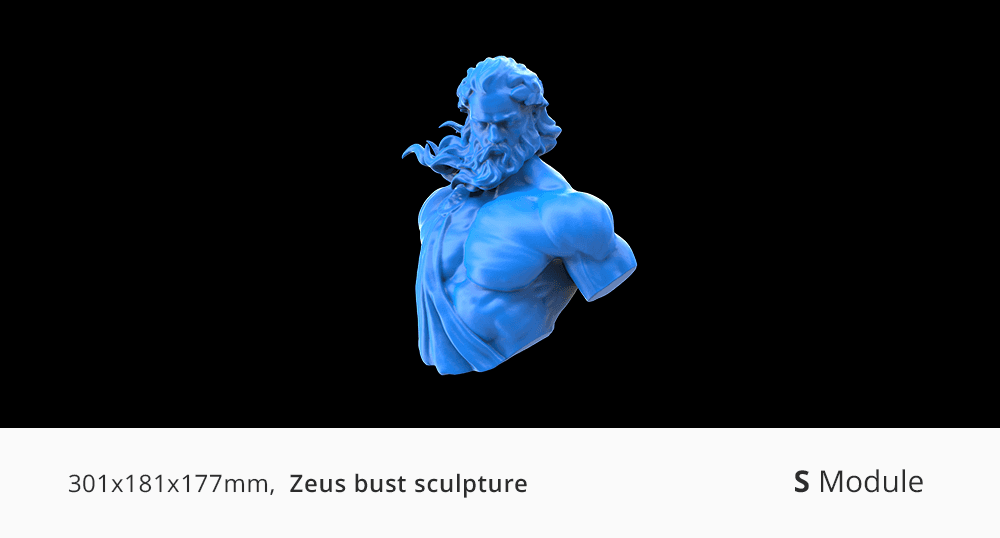
Intricate Zeus bust sculpture 3D scan captured by 3DMakerpro Turtle S Module.
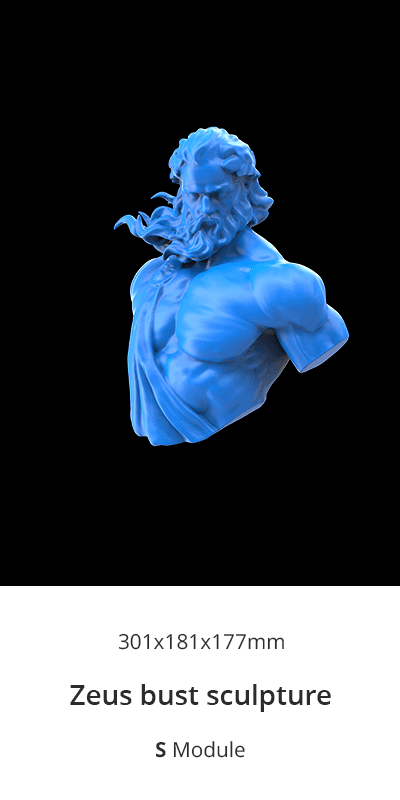
Intricate Zeus bust sculpture 3D scan captured by 3DMakerpro Turtle S Module.
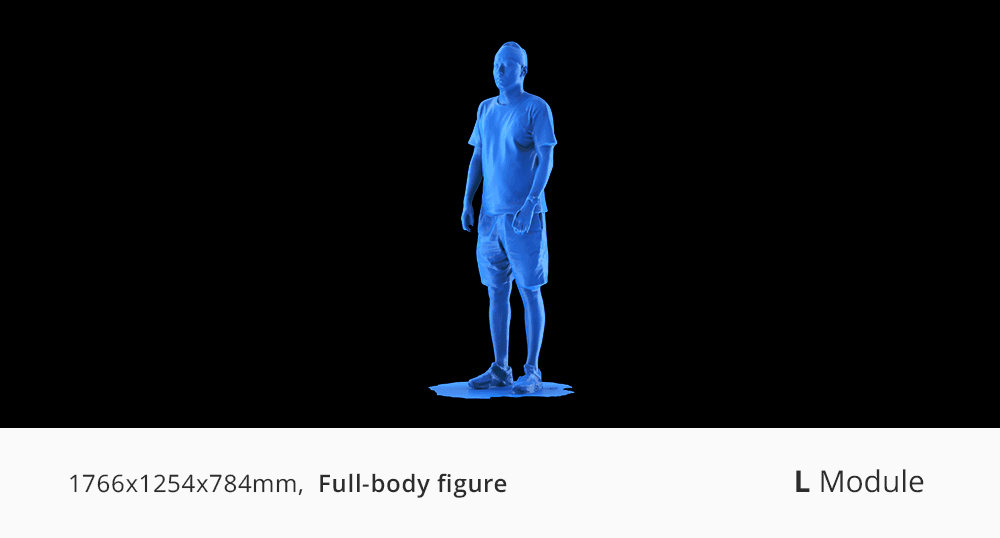
Human full-body figure 3D scan captured effortlessly with 3DMakerpro Turtle L Module.
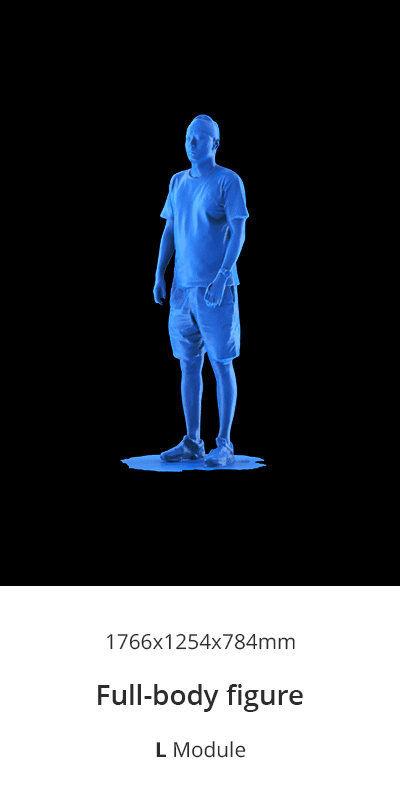
Human full-body figure 3D scan captured effortlessly with 3DMakerpro Turtle L Module.
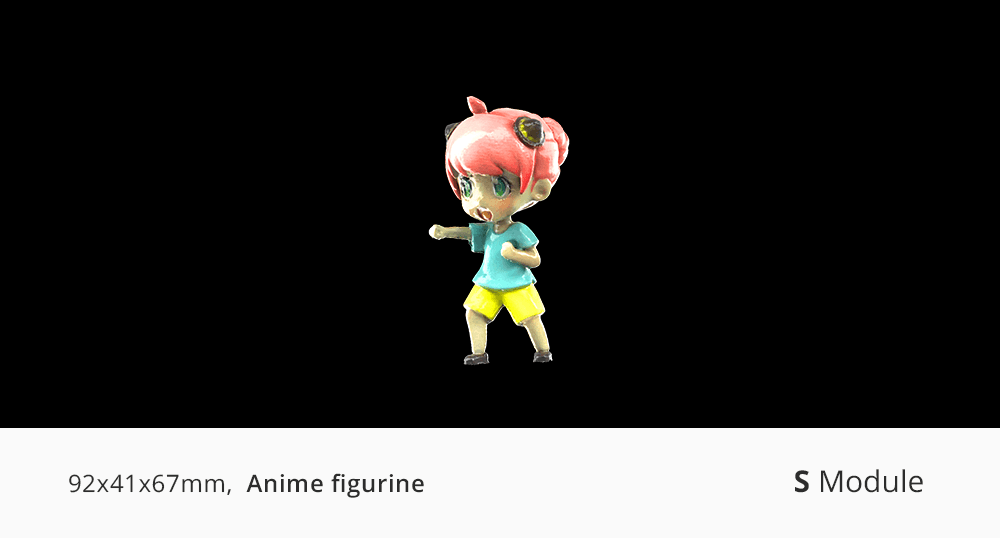
Highly detailed small anime figurine 3D scan using 3DMakerpro Turtle S Module.
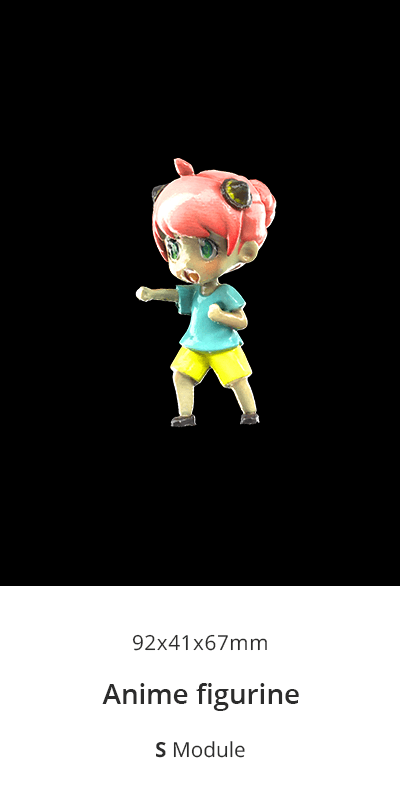
Highly detailed small anime figurine 3D scan using 3DMakerpro Turtle S Module.
One Host. Three Scanners.
CHAPTER 01 · THE SYSTEMOne Host. Three Scanners. Swap a module to change what you scan. Change the setup to change how. Everything else - capture, processing, export - stays on the device.
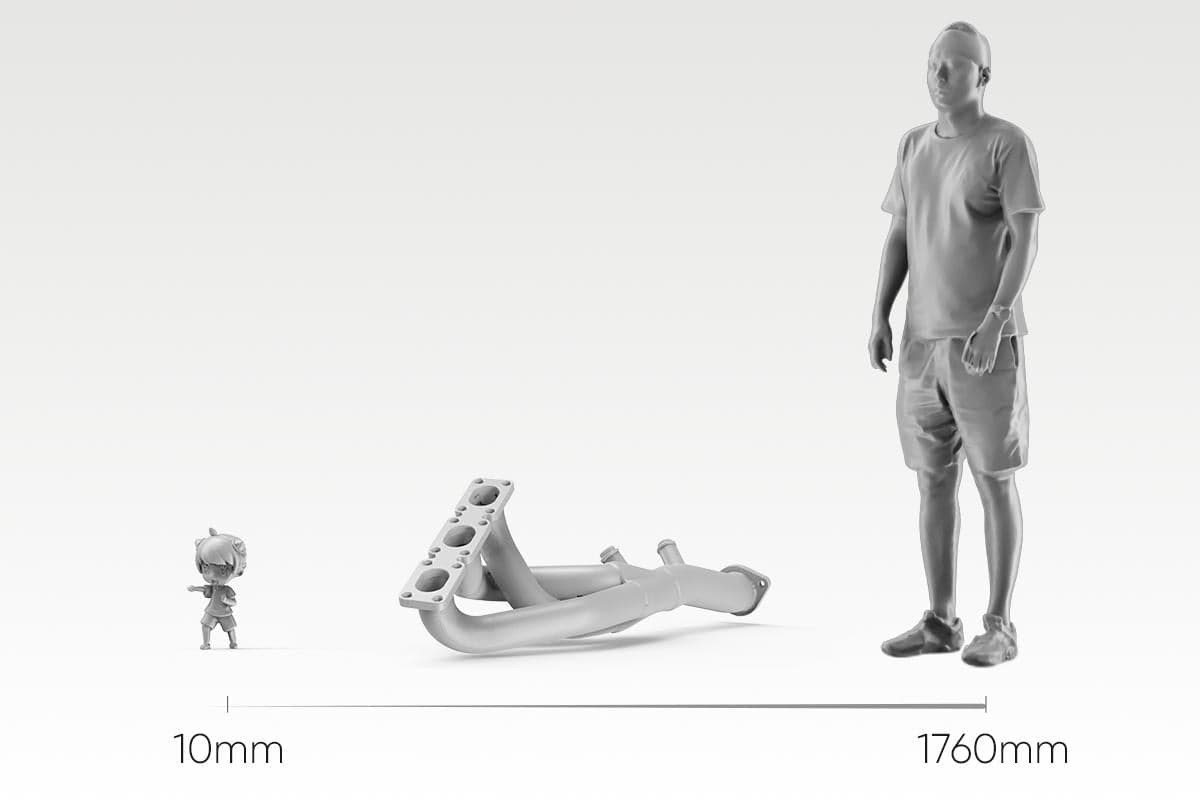
Three setups. One kit.
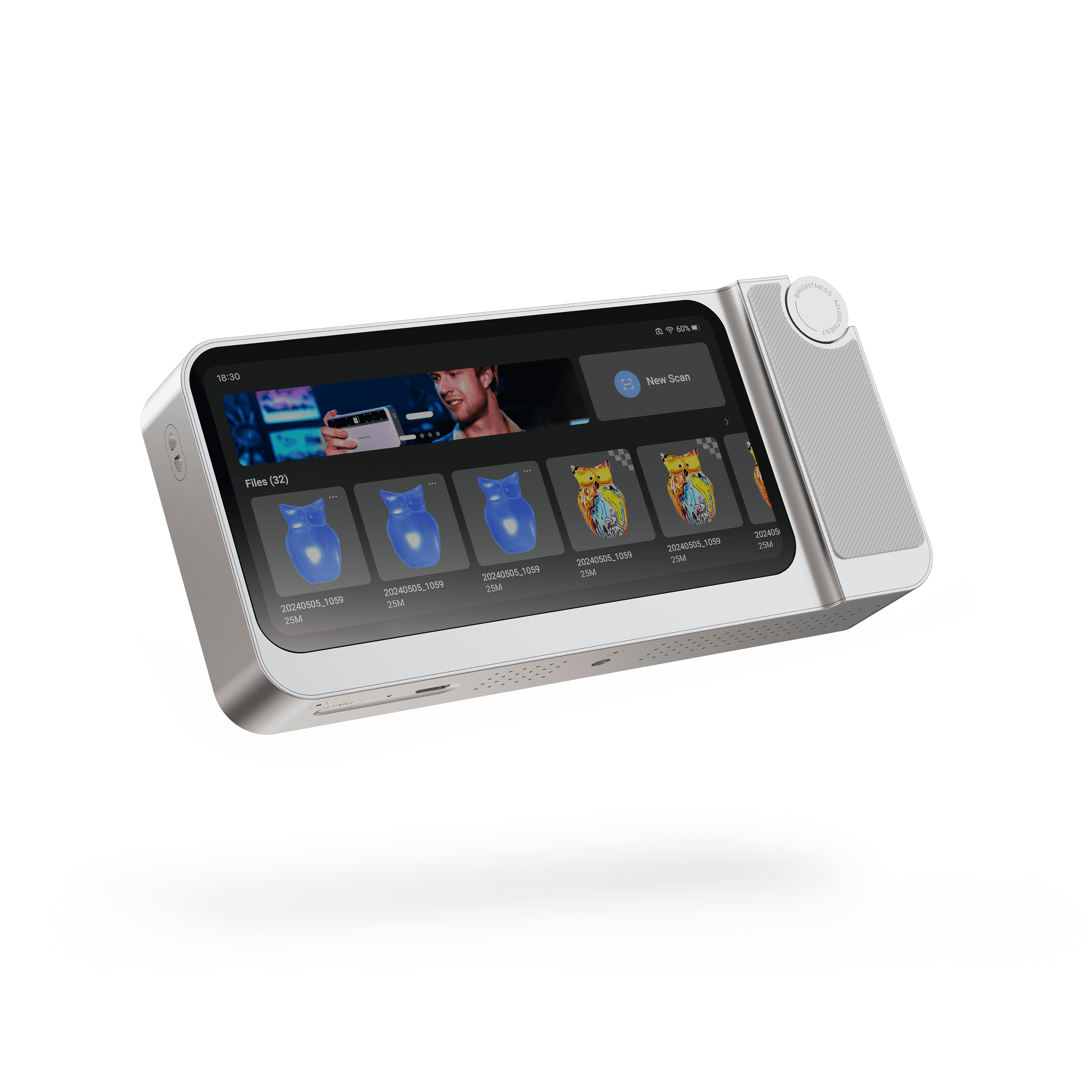
HANDHELD · SPLIT · DESKTOP The module decides what you scan. The setup decides how you scan it. Any module works in any setup. Handheld mode - cable free, portable scanning Modular mode - scan hard-to-reach angles with ease Wired mode - engineer your workstation for peak performance ON-DEVICE PROCESSING → NO LAPTOP REQUIRED One device. Capture to export. Scan, process, and export without a computer in the loop. Review your model on the 6.4″ 2K AMOLED screen the moment you finish, and take the file with you. 2.4GHz · 16GB RAM · 256GB SSD - the full workflow runs on the device No format lock-in. Export ASC / PLY point clouds and OBJ / STL meshes straight from the device, and open them in CloudCompare, MeshLab, Geomagic, or your CAD and slicing tools. A 3GB project transfers in about 35 seconds over 5GHz Wi-Fi. Direct hotspot and USB drive also supported. S/M/L INDEPENDENT OPTICS → 10MM–2000MM COVERAGE Scan a miniature. Scan a bumper Three modules, each engineered for its own working range - not one lens stretched across every job. Swap in S for a 10mm miniature, L for a 2-meter panel, and the host stays the same. S module - 10–300mm, fine detail work M module - 15–1500mm, the everyday workhorse L module - 100–2000mm, large parts and vehicles Calibration loads automatically the moment a module clicks in - no manual setup, no calibration board
Two Upgrades You Can See.
CHAPTER 02 · THE HARDWARETwo Upgrades You Can See. A sharper sensor for detail and color. A stronger projector for coverage and depth.
Detail You Can Zoom Into
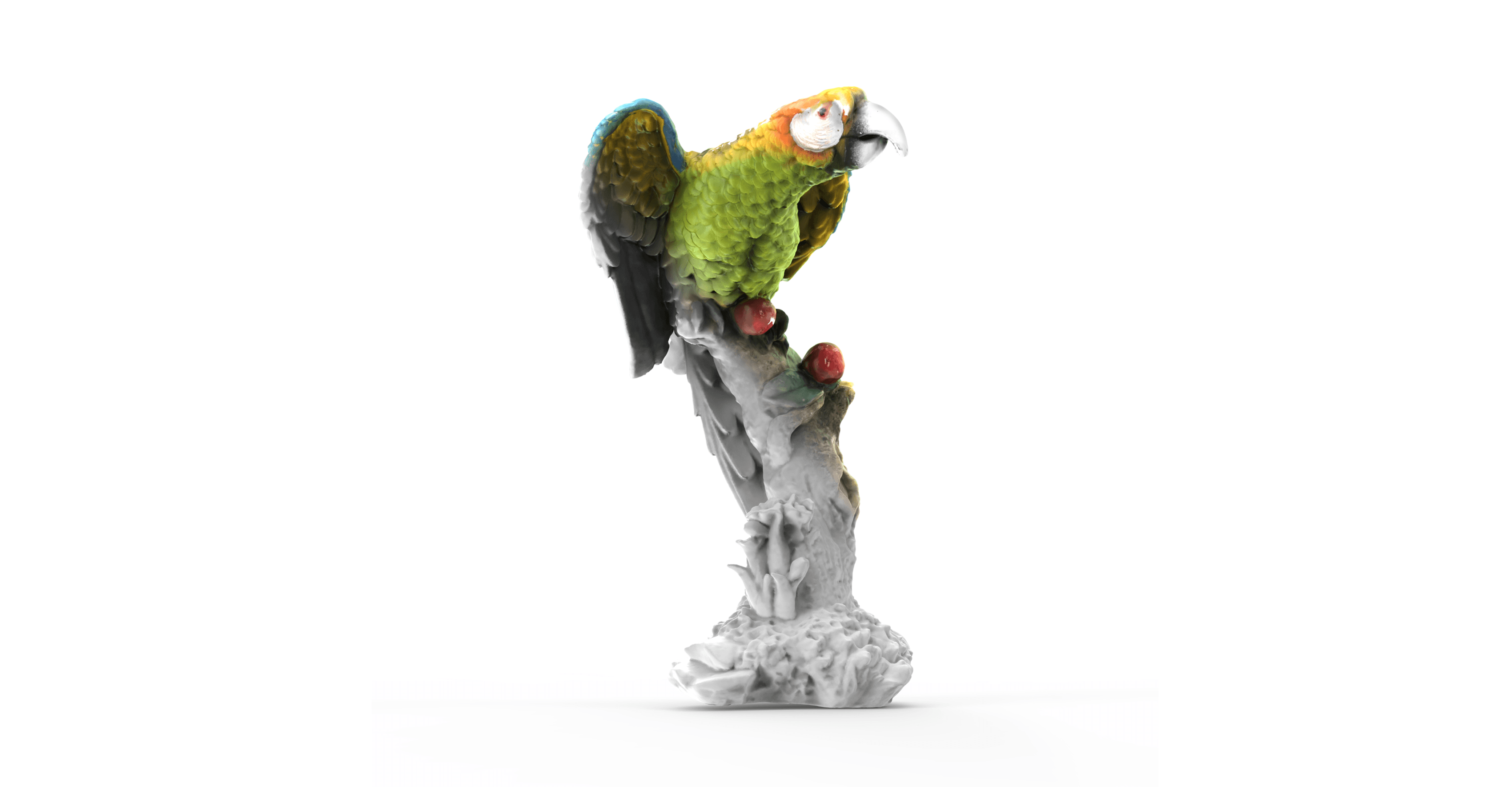
More pixels. More detail. An upgraded sensor captures finer geometry and richer color across the Turtle Series - the same scan, with more in it. Sensor pixels 2.3MP Turtle Series 1.3MP Predecessor Resolution compares Turtle M module 0.07mm 0.10mm *Scanned with the Turtle M module
Detail You Can Zoom Into
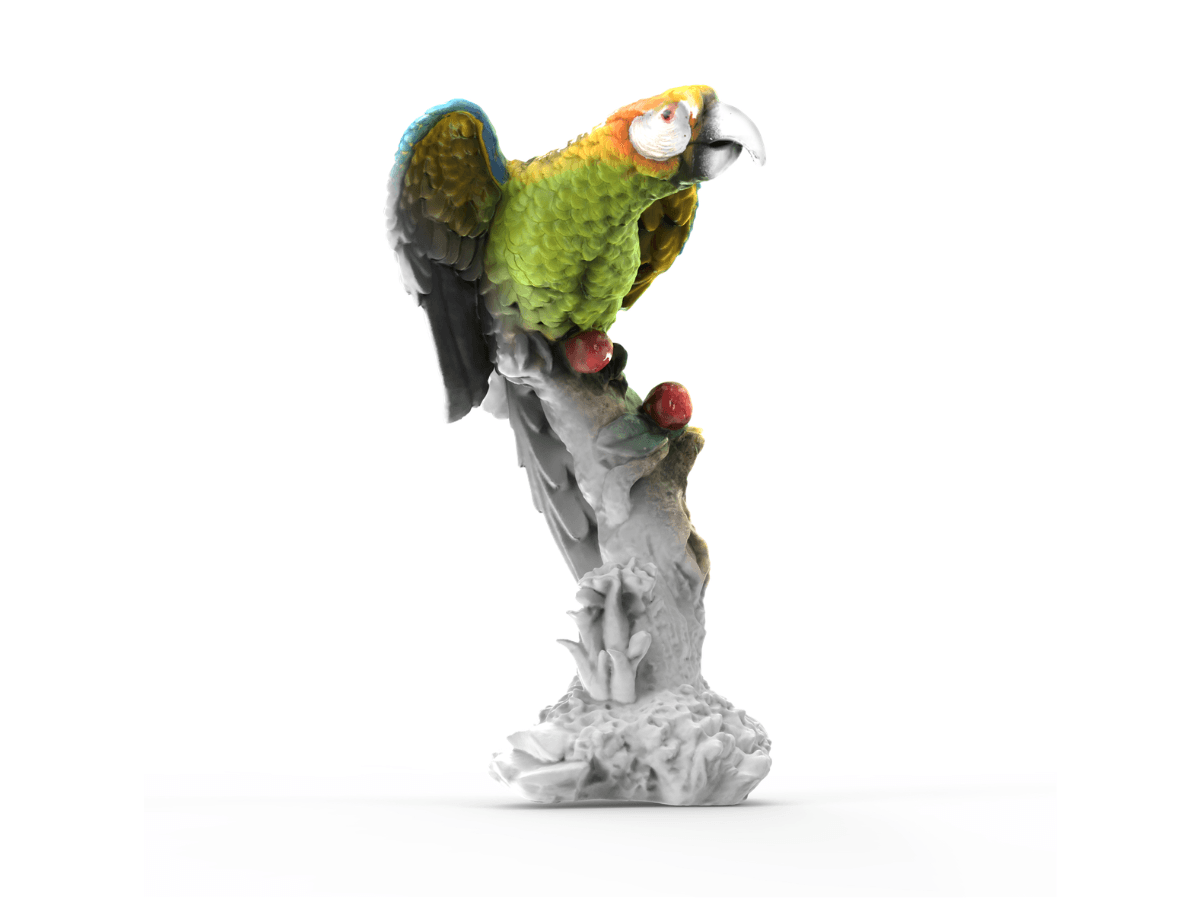
Vibrant parrot 3D scan by 3DMakerpro Turtle: refined detail via its upgraded 2.3MP sensor and 0.07mm high resolution.
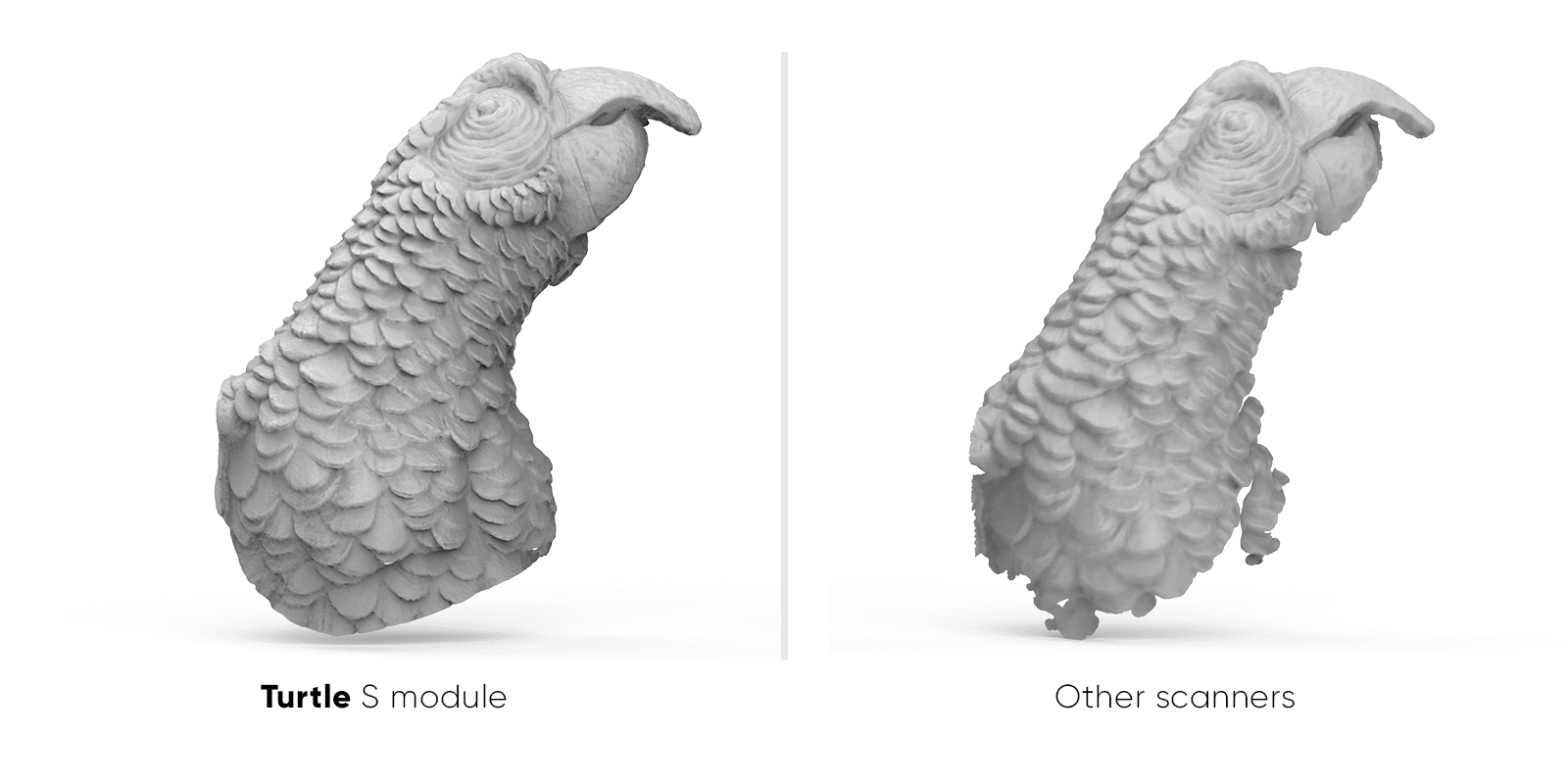
Turtle 3D Scanner
Same object, same distance, same lighting. 1:1 crop, no sharpening.
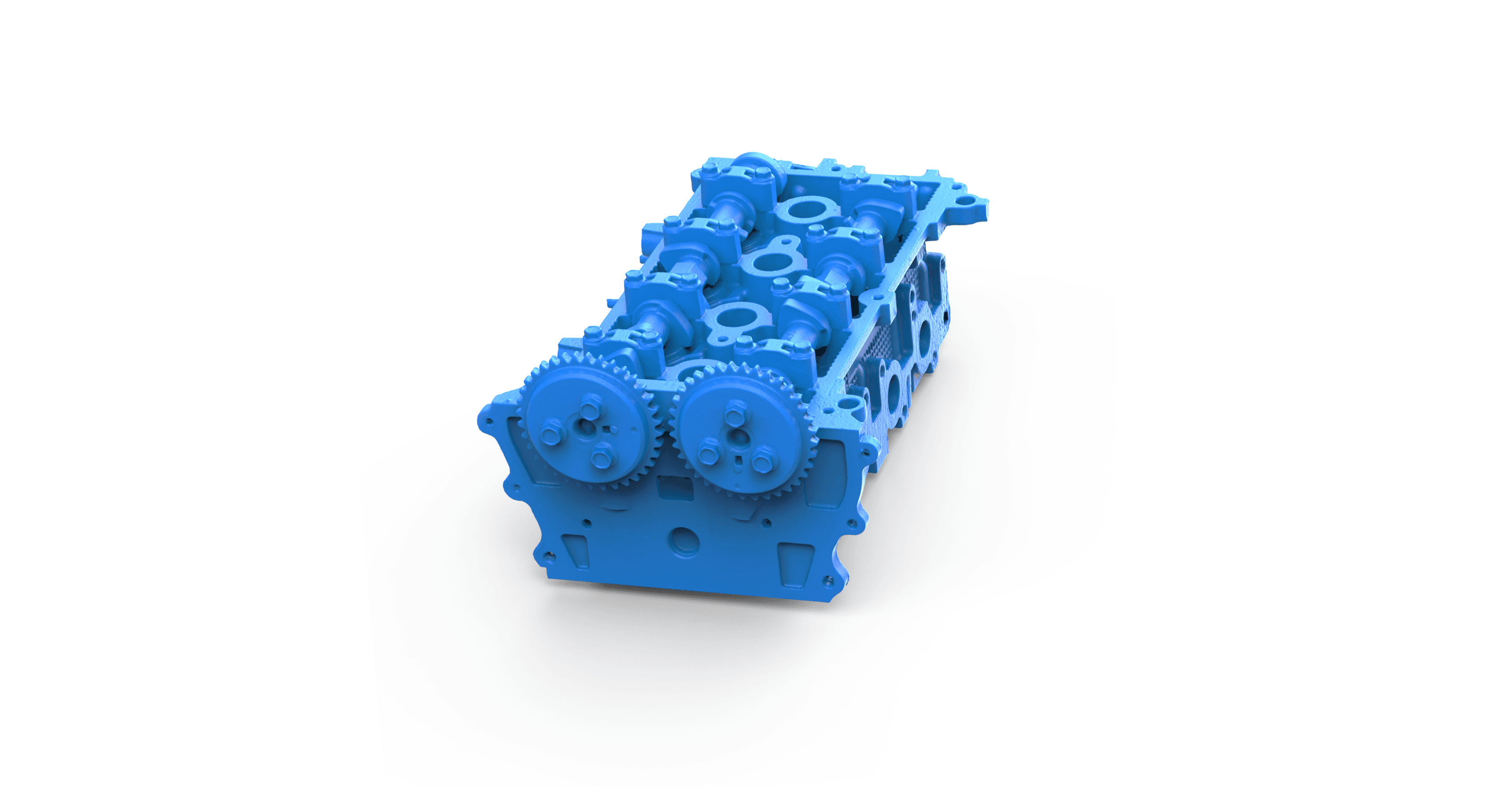
A Bigger Frame. A Deeper One, Too.
One pass takes in more. A stronger projector widens and deepens what each frame captures. Recessed faces and stepped surfaces land inside a single frame instead of forcing you to keep hunting for the right distance. Capture area per frame 2X Turtle Series 1X Predecessor Scan depth per frame Turtle M module 1.5x 1.0x *Per-frame capture area and scan depth vs. predecessor modules of the same format
A Bigger Frame. A Deeper One, Too.
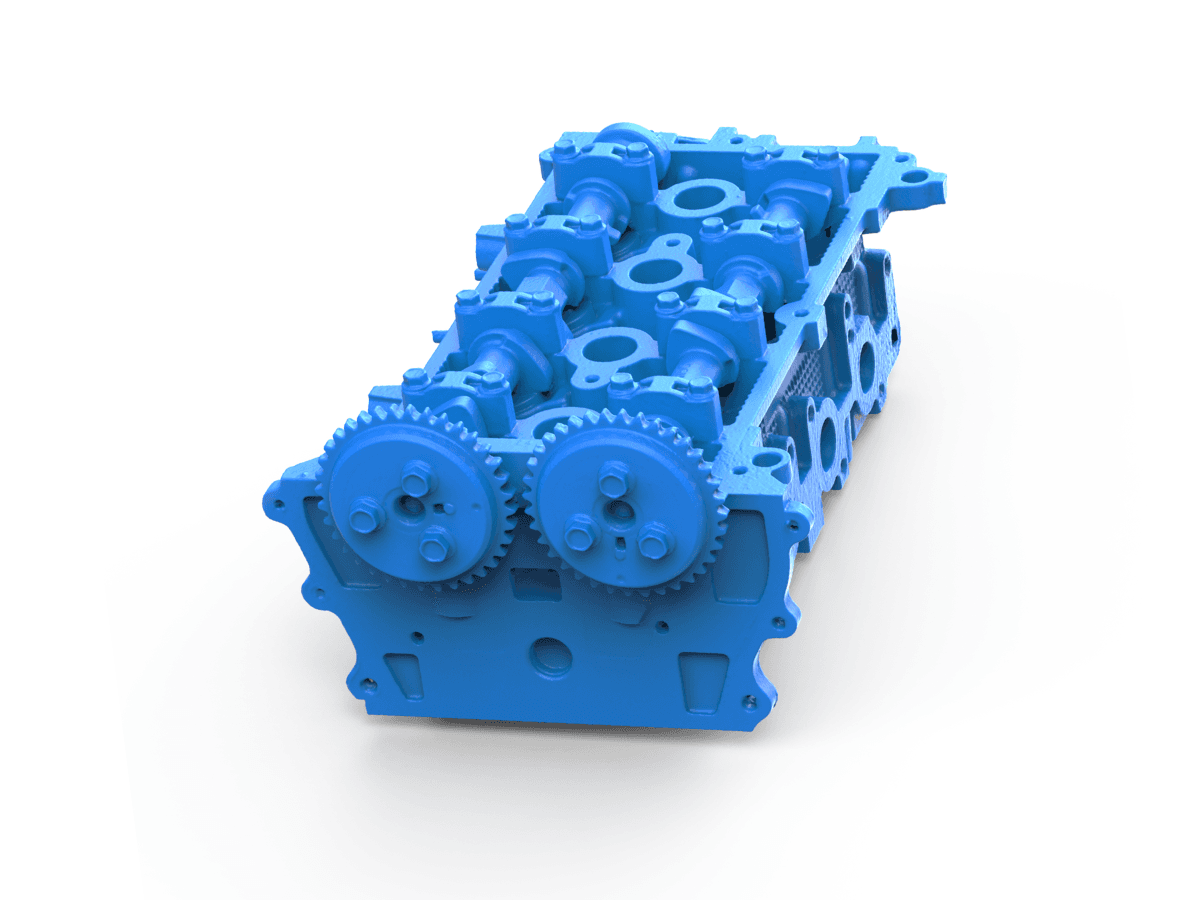
Blue engine block 3D scan: 3DMakerpro Turtle upgraded to 2x capture area and 1.5x scan depth over its predecessor.
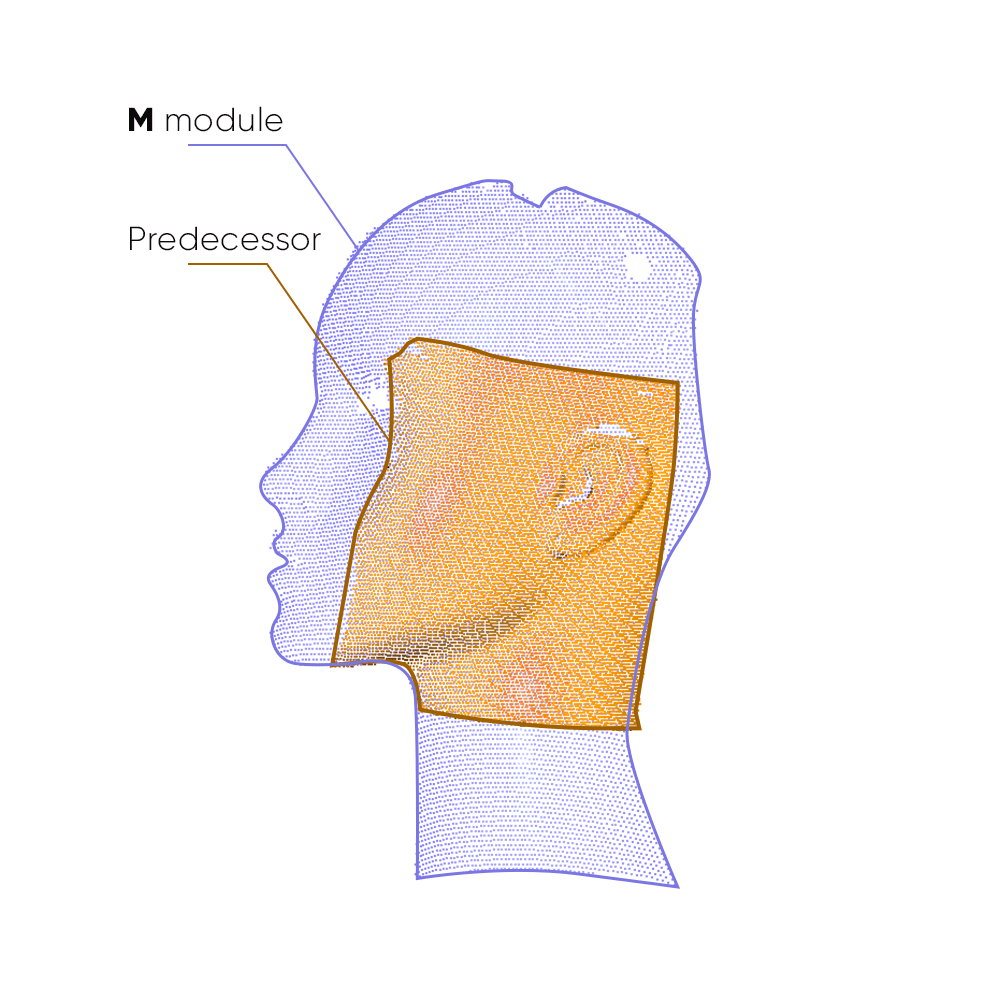
Turtle 3D Scanner
Capture area per frame Scan depth per frame
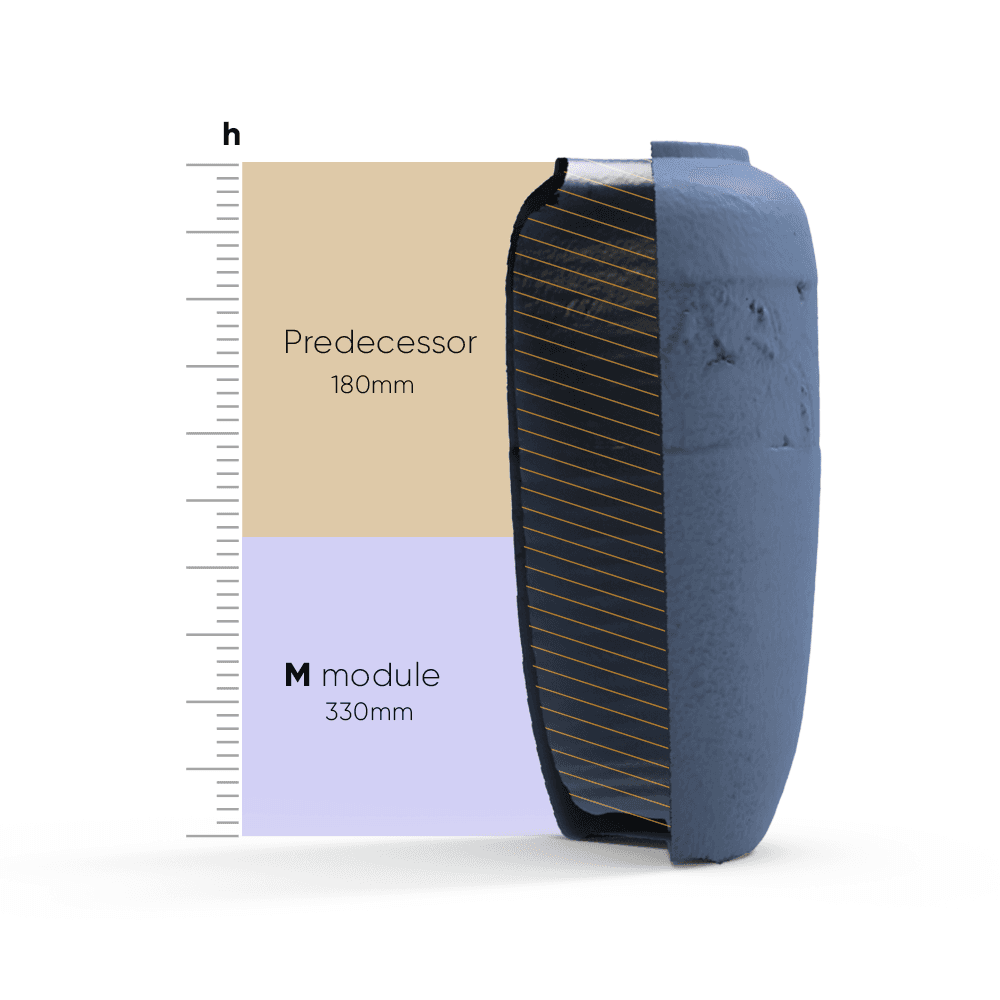
Blue vase 3D scan: 3DMakerpro Turtle M module upgraded to 330mm scan depth per frame, versus 180mm from its predecessor.
Nothing to Place. Nothing to Lose.
Chapter 03 · StabilityNothing to Place. Nothing to Lose. A scan you can finish is the only scan that counts.
Pick it up. Start scanning.
PURE FEATURE ALIGNMENT → ZERO PREP Turtle aligns on the object's own geometry and texture - no markers to place, no cleanup afterwards. For extremely smooth, featureless surfaces, a light coat of scanning spray adds the features it needs. Still no markers. FEATURE RELOCALIZATION → RESUME WHERE YOU WERE Lose tracking, not progress. If tracking drops, just point the scanner back at any area you've already captured - it picks up and continues. No starting over. Markerless AI visual tracking and feature recognition Instant re-lock after tracking loss Continue your 3D scan seamlessly, no reset HIGH FRAME RATE MODE → SMOOTH, RESPONSIVE PREVIEW Up to 30fps, PC-connected. Connect to a PC and high frame rate mode reaches up to 30fps - three times the standalone rate. Move faster without dropped frames or a laggy preview.
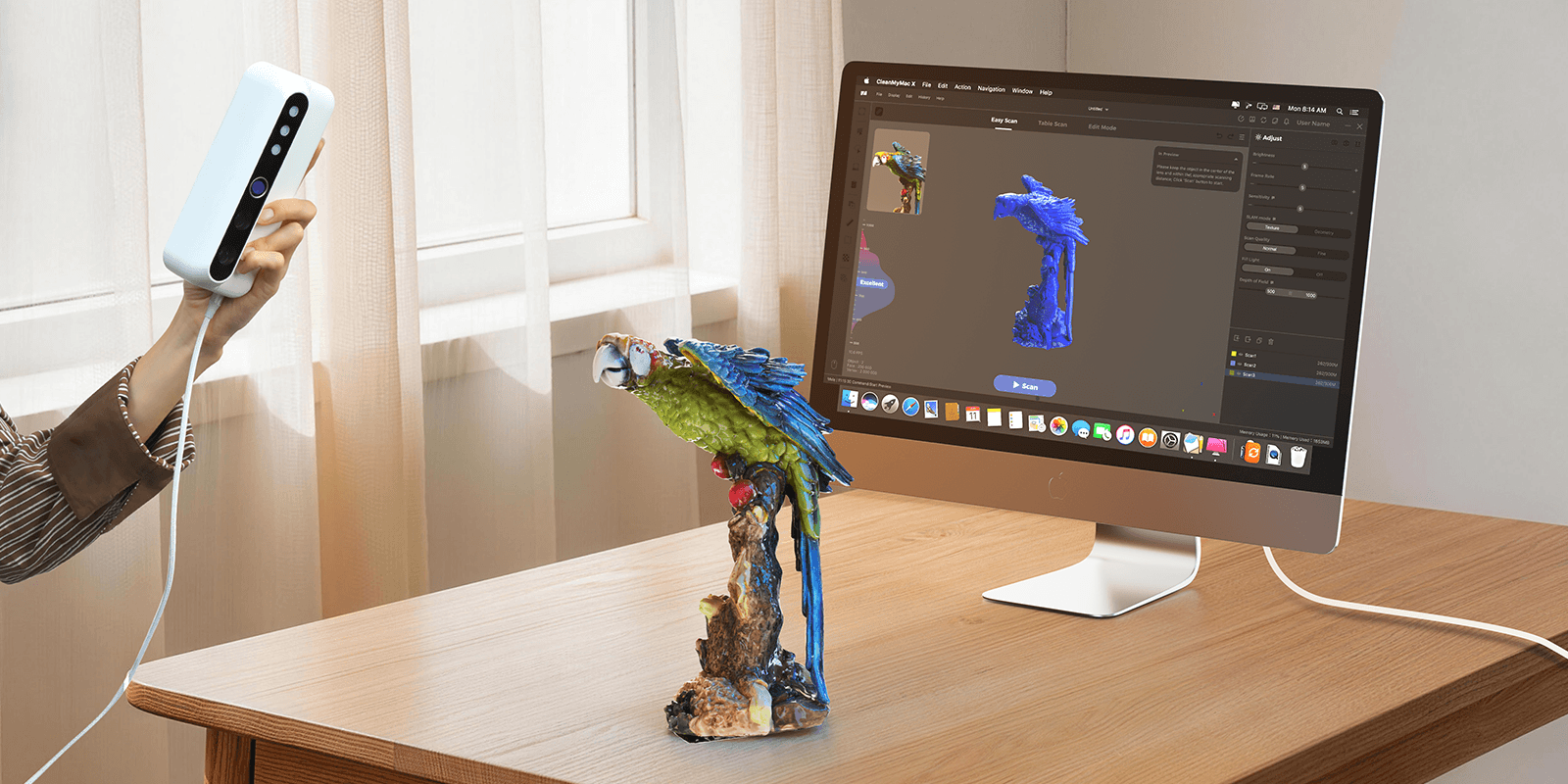
Unbox. Plug in. Scan.
Ready in under 10 minutesUnbox. Plug in. Scan. No calibration board. No setup wizard. Connect your module to the Control Pad or a computer, and the matching calibration file loads itself - you're scanning in under 10 minutes. 1 Plug in Connect your module to the Control Pad or a computer 2 Auto-calibrate Calibration loads itself with the module 3 Start scanning Point and go Capture on Windows 11 macOS 12/13 (M1/M2) Process & export on macOS 12/13
Free 3D Scanning Software by 3DMakerpro
From connection and calibration to optimization and export, JMStudio keeps your entire scanning workflow simple and guided. COMPATIBLE SOFTWAREJMStudio - Built for Your Scanner The exclusive 3D scanning software by 3DMakerpro. Real-time capture, one-click optimization, and seamless export to STL, OBJ, PLY & ASC formats. Real-Time Capture One-Click Optimize STL / OBJ / PLY / ASC Export Free with every scanner
Specifications
| Feature | S module | M module | L module |
|---|---|---|---|
| Accuracy | 0.01mm | 0.03mm | 0.05mm |
| Resolution | 0.05mm | 0.07mm | 0.10mm |
| Single capture range | 160 × 120mm | 240 × 180mm | 600 × 450mm |
| Work distance | 180 – 280mm | 200 – 400mm | 500 – 950mm |
| Typical object sizes | 10 – 300mm | 15 – 1,500mm | 100 – 2,000mm |
| Frame rate | 10 fps / 30 fps (PC) | 10 fps / 30 fps (PC) | 10 fps / 30 fps (PC) |
| Light source | Blue LED | Blue LED | Blue LED |
| Color texture | Color textures, 24-bit | Color textures, 24-bit | Color textures, 24-bit |
| USB interface | USB Type-C | USB Type-C | USB Type-C |
| Output format | OBJ / STL / PLY / ASC | OBJ / STL / PLY / ASC | OBJ / STL / PLY / ASC |
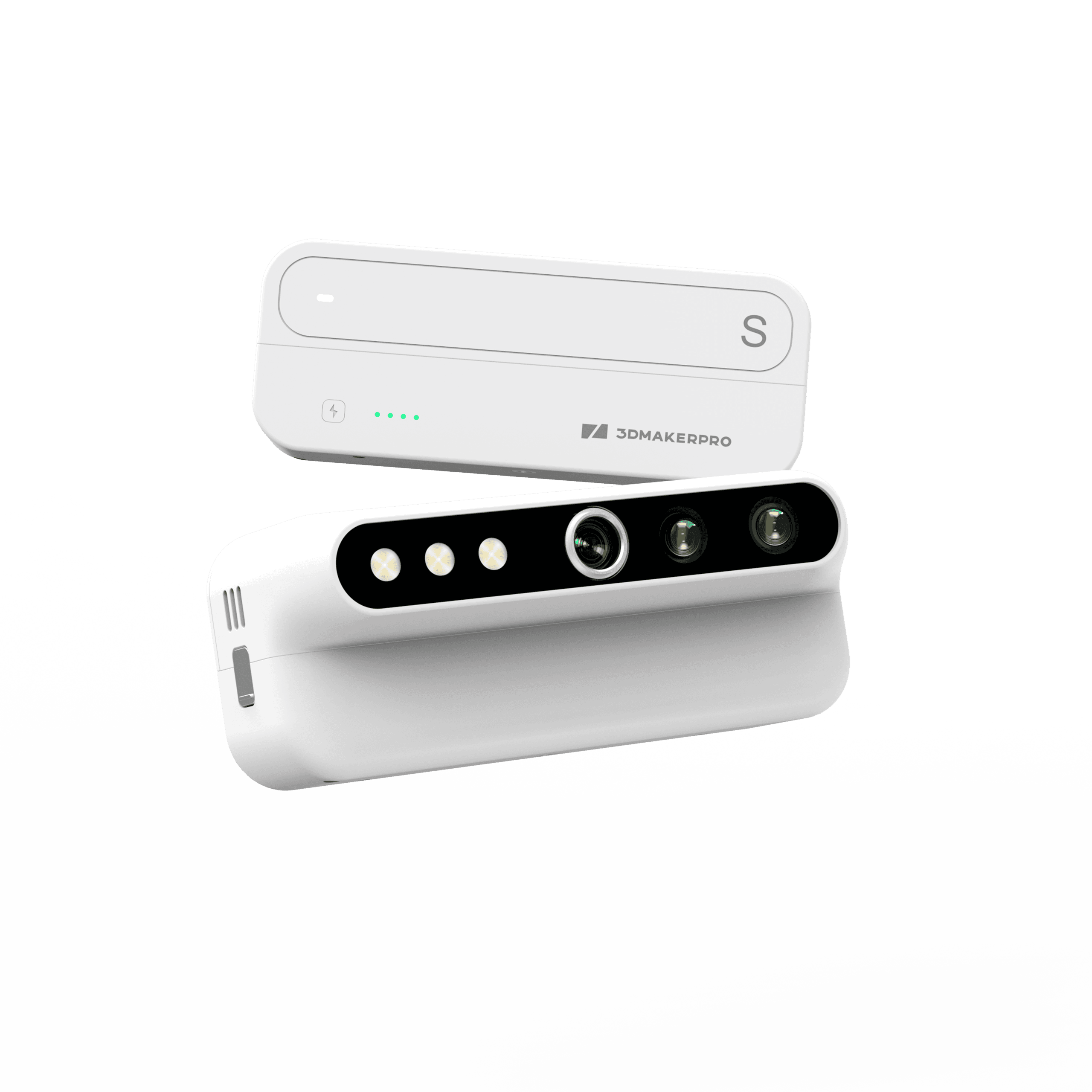
Find the Right 3D Scanner for You
Presets Turtle STurtle MTurtle LToucanLynxMagic Swift PlusMooseMoleMoose liteSealSeal Lite Model Discontinued Scanning performance Accuracy Single-frame, lab conditions 0.01mm 0.03mm 0.05mm ≤ 0.03mm (Small)/ ≤ 0.10mm (Large) 0.10mm 0.02mm Resolution 0.07mm ≤ 0.03mm (Fixed Shot)/≤ 0.10mm (Large) 0.30mm 0.25mm Single capture range 160 × 120mm 240 × 180mm 600 × 450mm 135×185 mm (Small) / 1000×750 mm (Large) 400 x 250mm 200x100mm 100x75mm Frame rate 30 fps (PC) 15 fps (PC) 10 fps (PC) Cameras 2.3MP 1.3MP Light source Blue LED Blue Laser NIR Color texture Color textures, 24-bit MONO These products share every listed specification.
Find the Right 3D Scanner for You
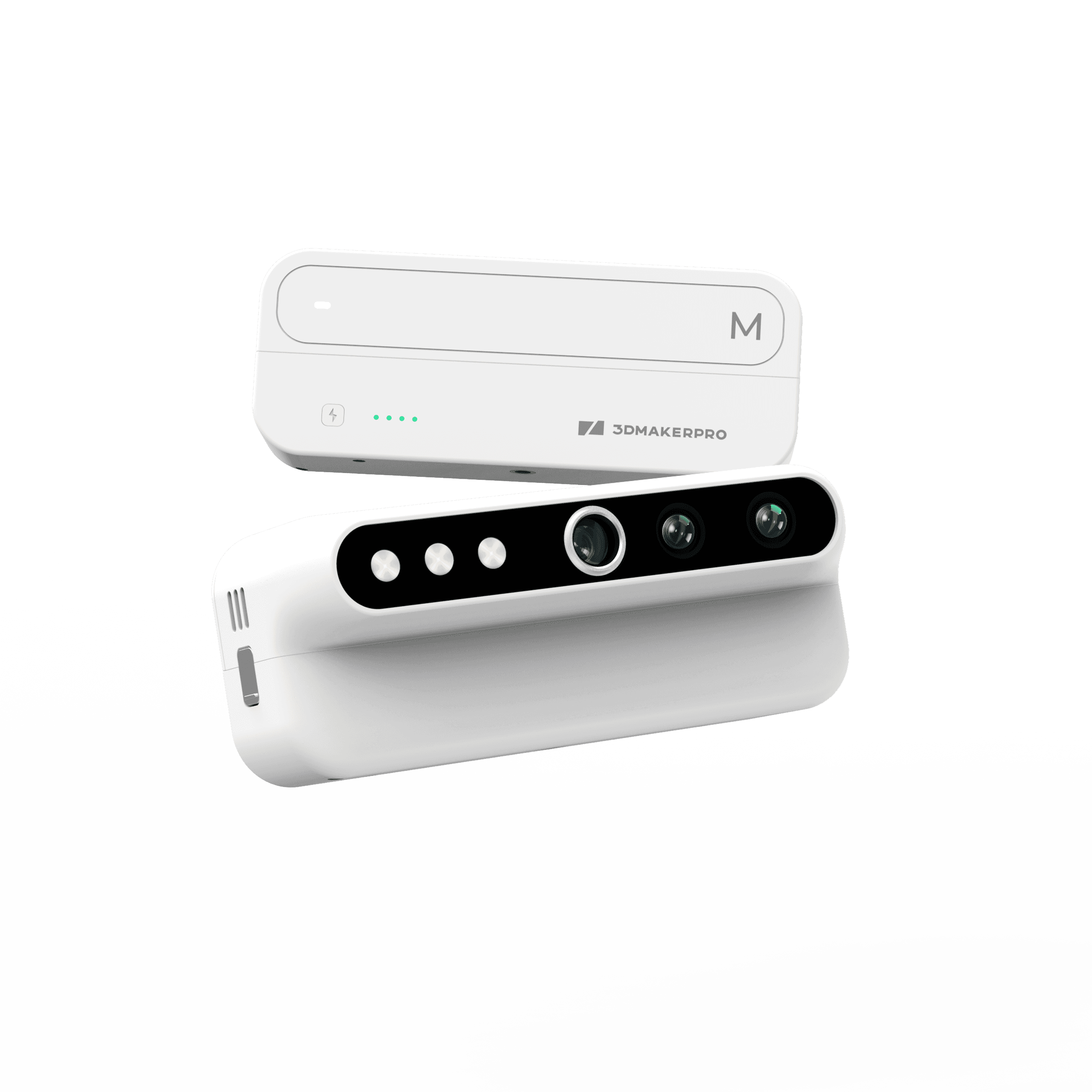
Turtle M
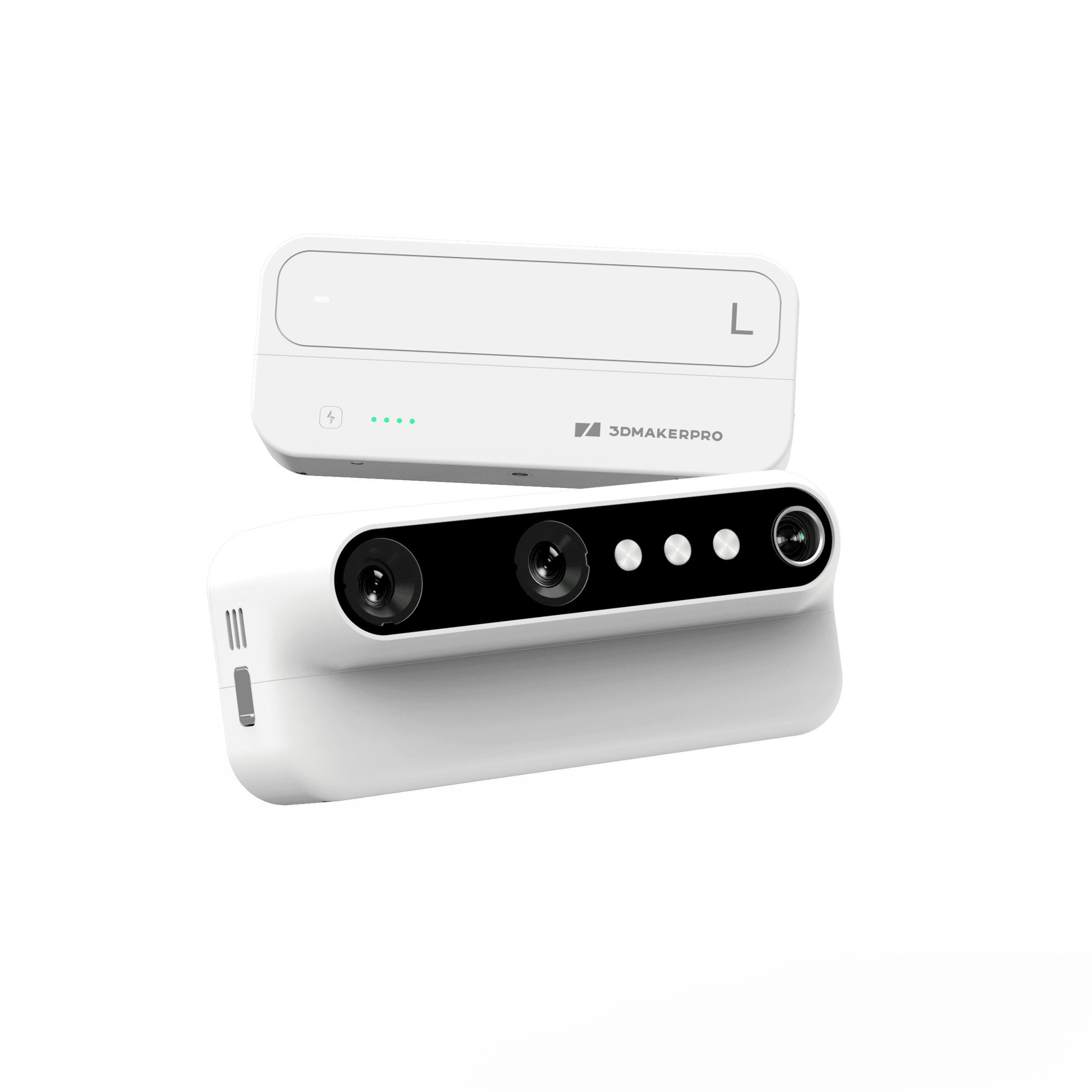
Turtle Series L Module
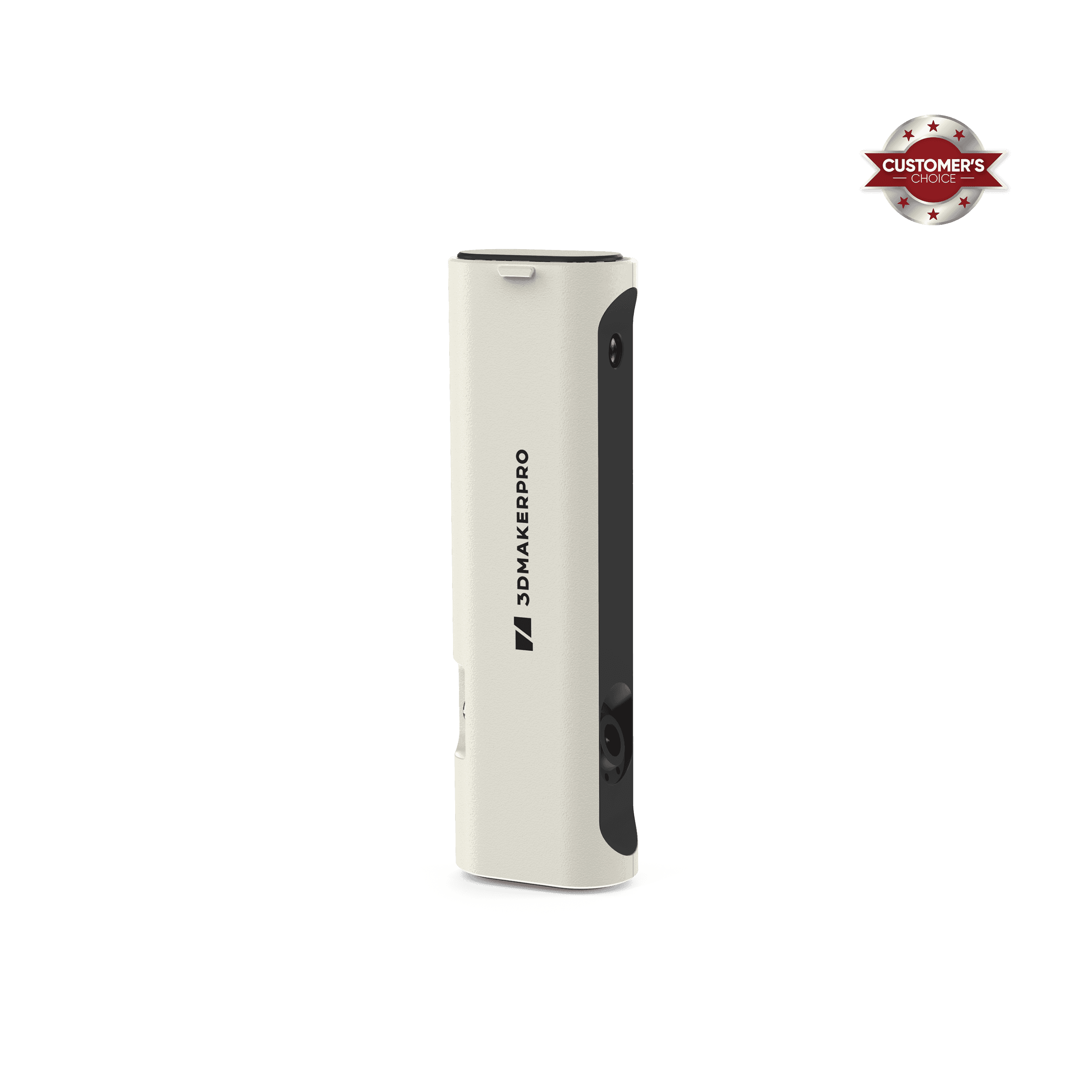
3DMakerpro Toucan all-in-one 3D scanner with HD touchscreen, 48MP RGB cameras, and 0.03mm scanning accuracy.
3DMakerpro Lynx: Customer’s Choice award-winning large-format 3D scanner with professional 0.1mm accuracy.
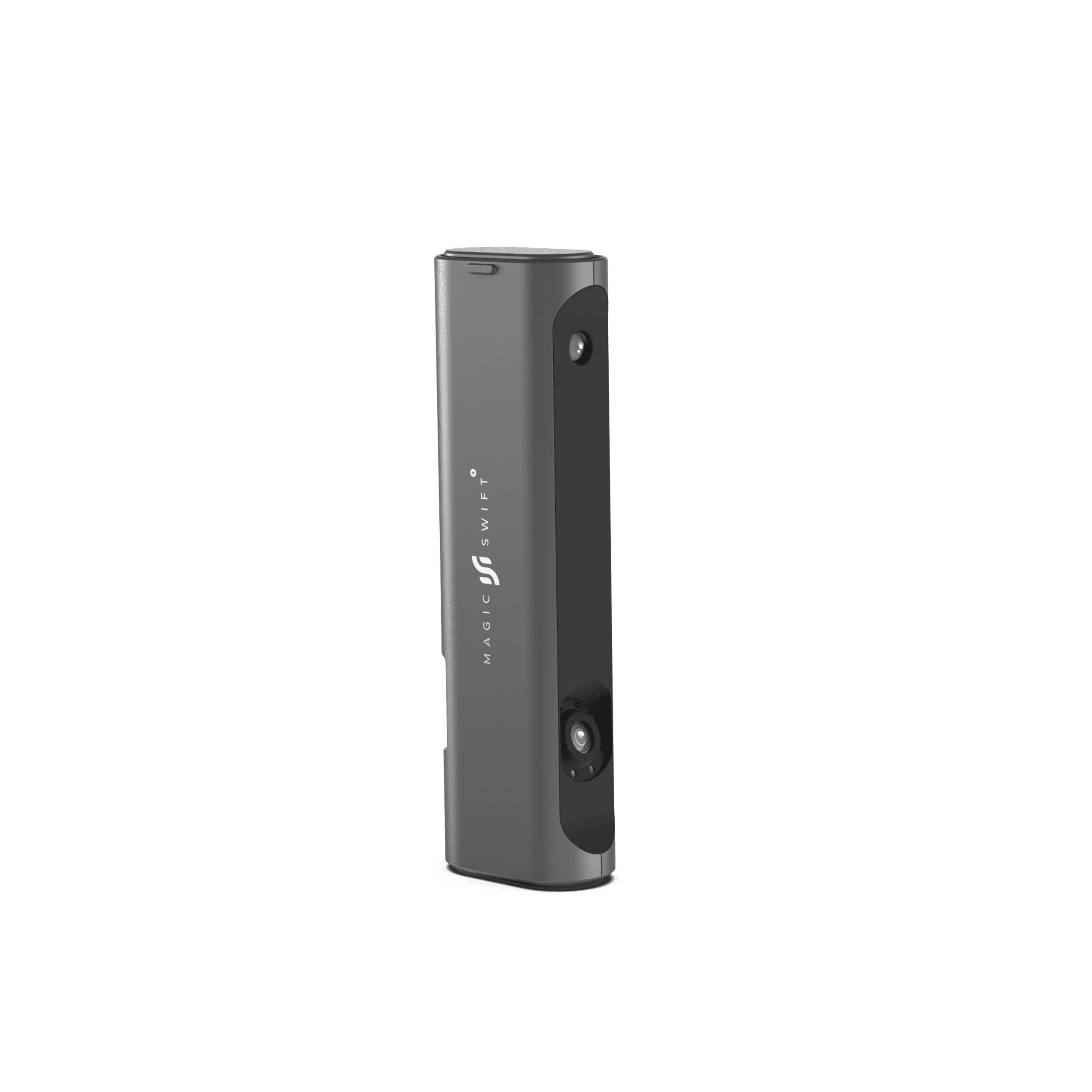
Renewed 3DMakerpro Magic Swift Plus 3D scanner featuring large-format scanning for big objects up to 2 meters.
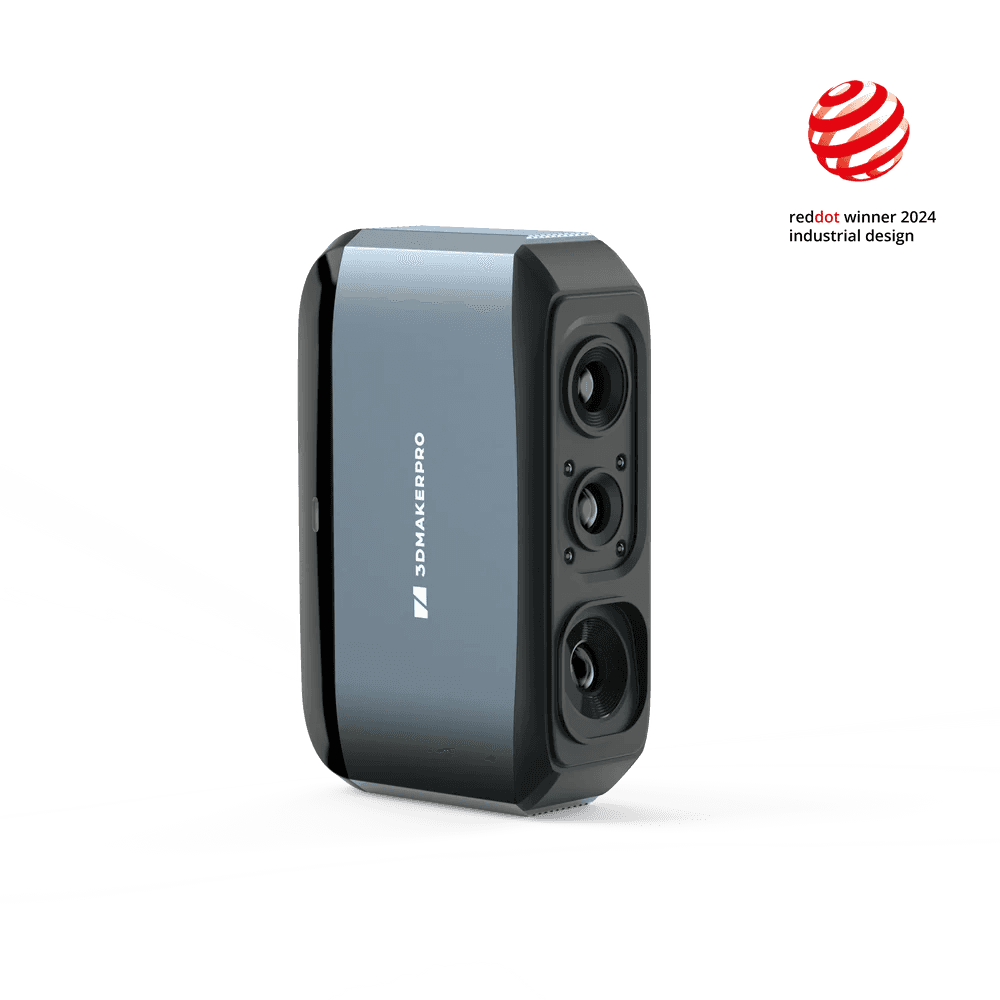
3DMakerpro Moose Scanner (Red Dot Winner 2024) featuring 0.03mm accuracy and a versatile 15-1500mm scanning range.
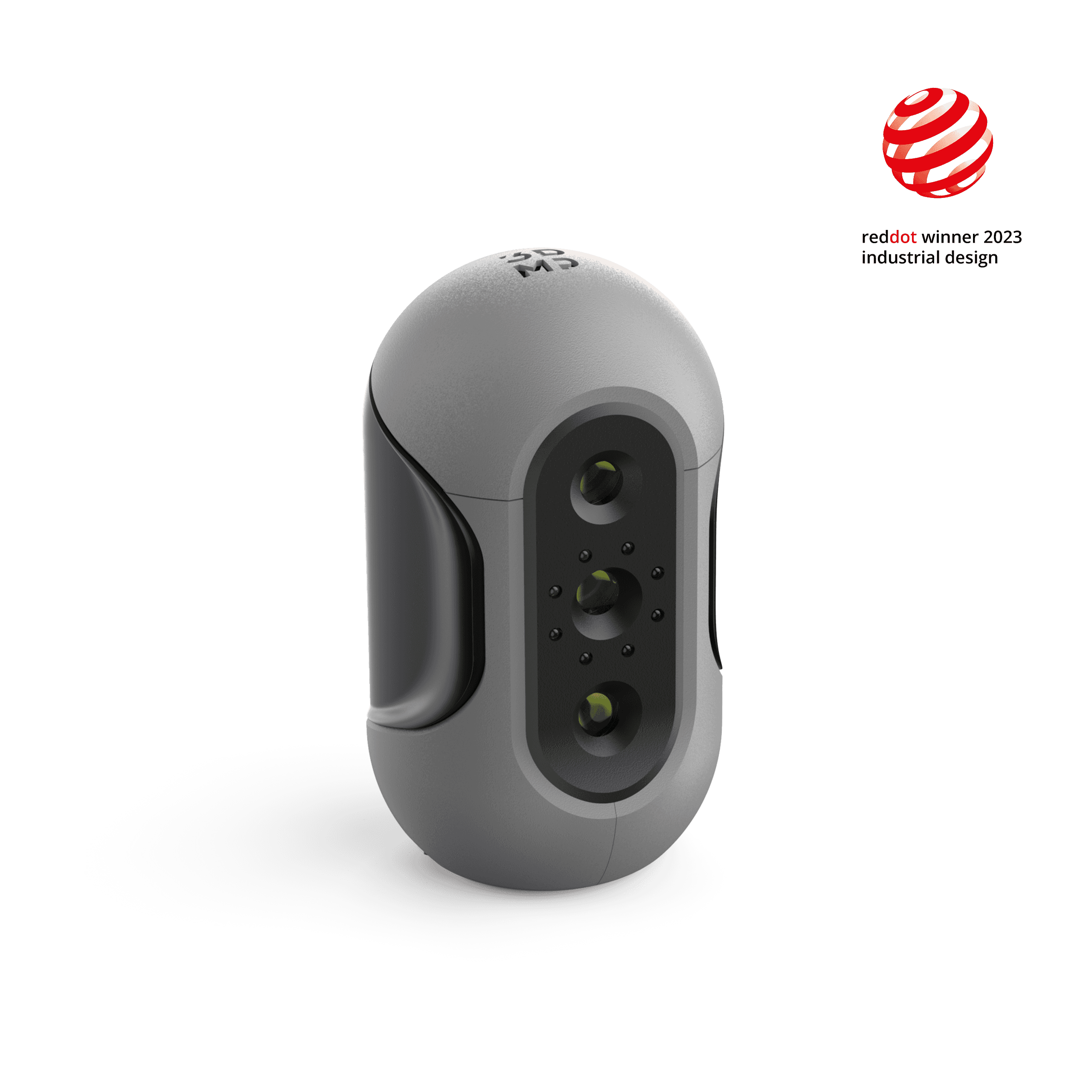
3DMakerpro Mole, a high-precision medium-format 3D scanner, captures details with an incredible 0.05mm accuracy.
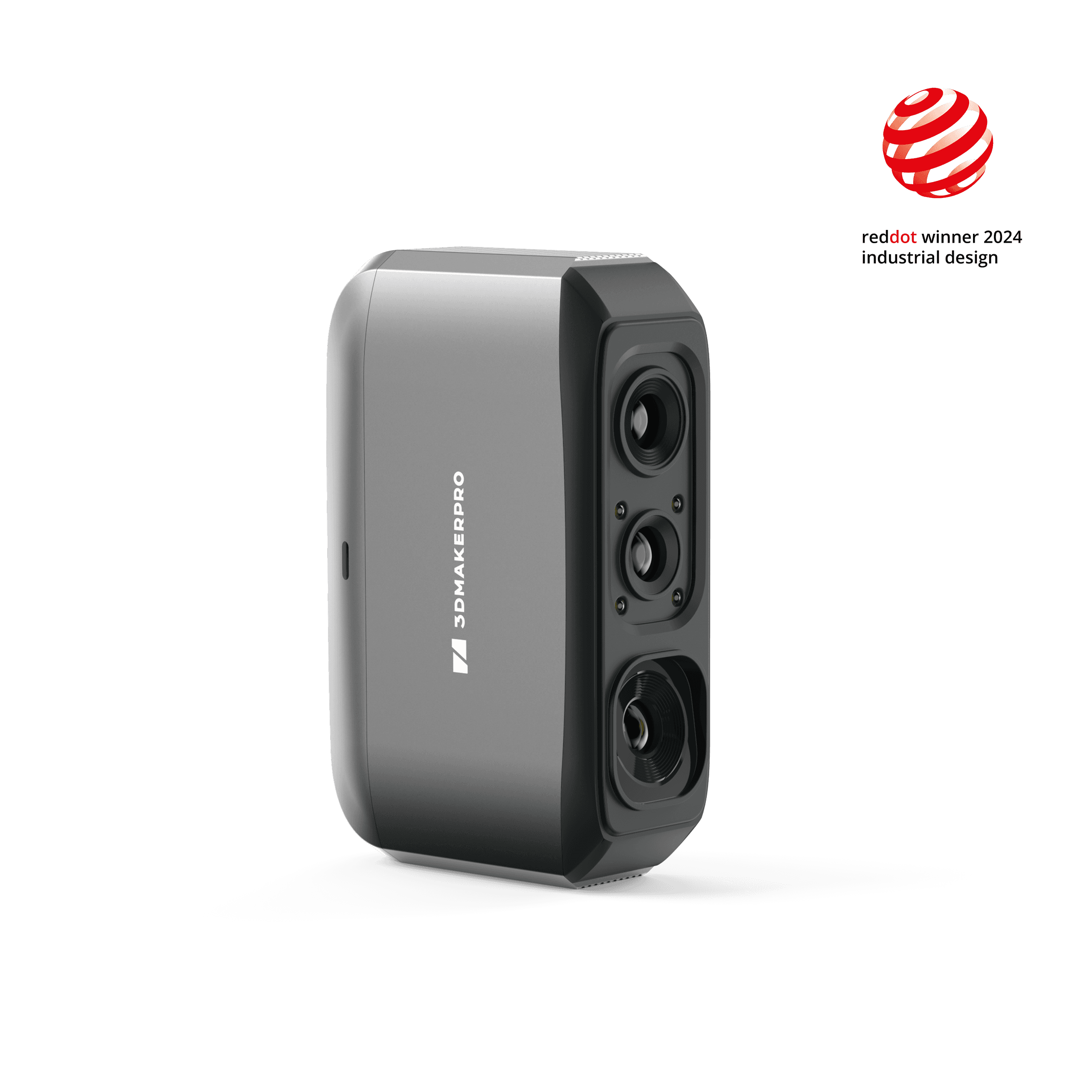
3DMakerpro Moose Lite 3D scanner, Red Dot Award 2024 winner, featuring 0.05mm high-precision industrial design.
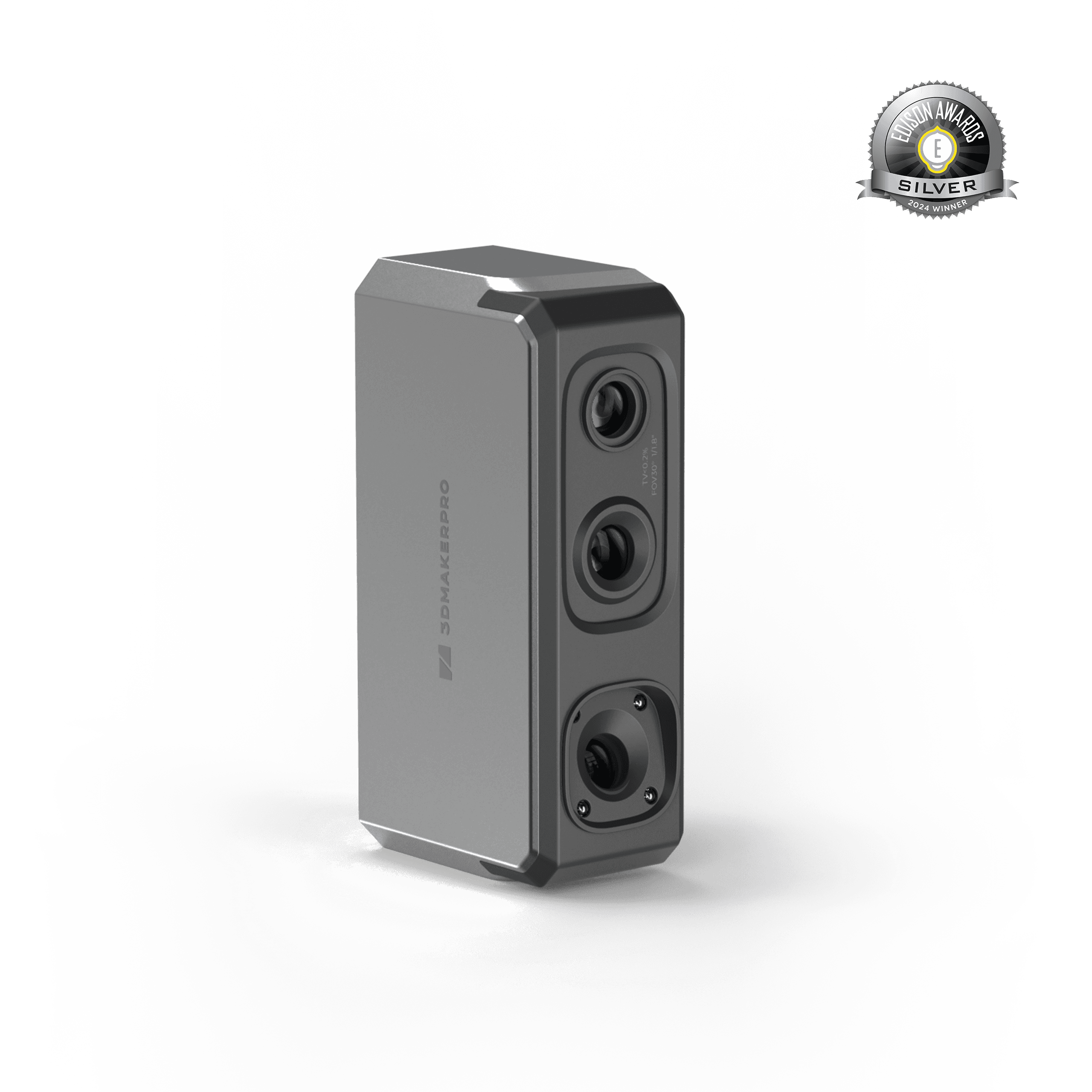
3DMakerpro Seal 3D scanner, 2024 Edison Awards Silver winner, featuring 0.01mm industrial-grade precision.
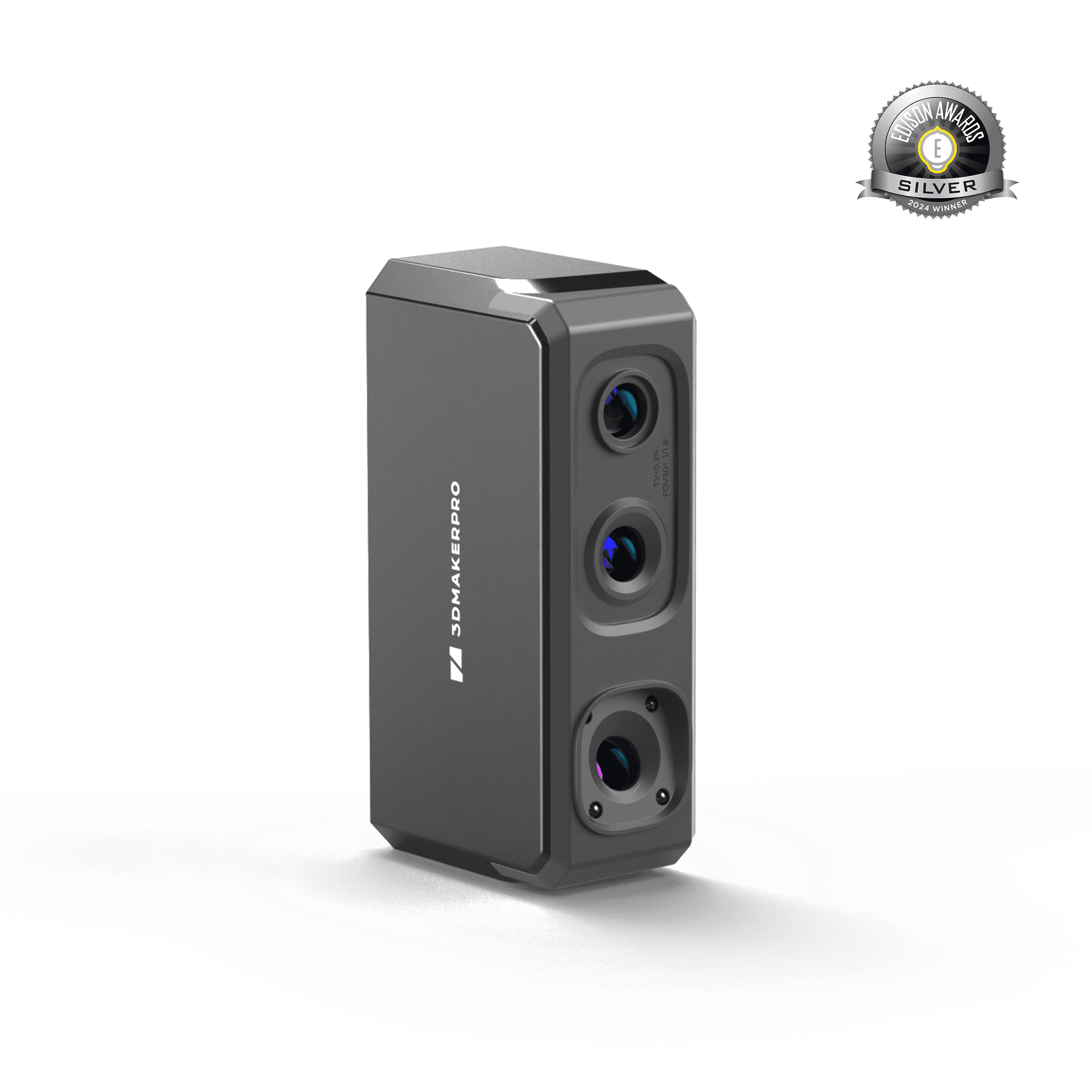
3DMakerpro Seal Lite 3D Scanner, 2024 Edison Awards Silver winner, featuring 0.02mm high-precision scanning.
Technical specificationsDimensions, materials, compatibility and connectivity.
The details that matter
Technical specifications
Manufacturer figures, with plain-English notes where useful.
14 specifications
Key specifications
- Accuracy
- S module: 0.01mm; M module: 0.03mm; L module: 0.05mm
- Scan volume (min–max object size)
- Not specifiedSupported object sizes, not the sensor working distance.
- Colour / texture capture
- S module: Color textures, 24-bit; M module: Color textures, 24-bit; L module: Color textures, 24-bit
- Scan speed
- Not specified
- Form factor
- Not specified
- Warranty
- Not specifiedCheck the stated cover and any conditions for your purchase.
Additional specifications
- Resolution
- S module: 0.05mm; M module: 0.07mm; L module: 0.10mm
- Frame rate
- S module: 10 fps / 30 fps (PC); M module: 10 fps / 30 fps (PC); L module: 10 fps / 30 fps (PC)
- Light source
- S module: Blue LED; M module: Blue LED; L module: Blue LED
- Output format
- S module: OBJ / STL / PLY / ASC; M module: OBJ / STL / PLY / ASC; L module: OBJ / STL / PLY / ASC
- Usb interface
- S module: USB Type-C; M module: USB Type-C; L module: USB Type-C
- Work distance
- S module: 180 – 280mm; M module: 200 – 400mm; L module: 500 – 950mm
- Single capture range
- S module: 160 × 120mm; M module: 240 × 180mm; L module: 600 × 450mm
- Typical object sizes
- S module: 10 – 300mm; M module: 15 – 1,500mm; L module: 100 – 2,000mm
Frequently asked questionsAnswers to common questions about this product.
Which module should I choose?
Match the module to the objects you scan most. S is for small, detailed pieces like miniatures and jewelry-scale parts (10–300mm). M is the everyday workhorse for mid-size objects such as engine parts, helmets, and shoes (15–1500mm). L covers large items like bumpers, furniture, and full-body scans (100–2000mm). If your work spans two ranges, most people start with M and add a second module later - the Control Pad works with all three.
How do the Control Pad and the modules work together?
A module is the scanner; the Control Pad is what makes it standalone. Connect a module to a computer and it scans on its own - no Control Pad needed. Add the Control Pad and the same module runs untethered, with capture, processing, and export all on the device. The Control Pad cannot scan by itself, and it works only with Turtle Series modules - not with other 3DMakerpro models.
Do I need a computer to use Turtle?
No. Turtle runs the full workflow - scanning, processing, and export - on the Control Pad itself, with results on the 6.4″ screen. Connecting to a PC is optional and unlocks high frame rate mode at up to 30fps for a smoother preview.
Do I need to place markers on my objects?
No. Turtle aligns on the object's own geometry and texture, so there's nothing to stick on and nothing to clean off afterwards. For very smooth, featureless surfaces such as polished metal or clear plastic, a light coat of scanning spray adds the surface detail the scanner needs - still without markers.
Is there a steep learning curve?
No calibration board, no setup wizard. Connect a module to the Control Pad, and calibration loads automatically. Most users complete their first usable scan on the first day. Turntables and spray are optional aids, not requirements.
What software do I need, and does it cost anything?
JMStudio is free and included - live capture, one-tap optimization, and export to STL, OBJ, PLY, and ASC. You can also skip it entirely: raw point clouds go straight into CloudCompare, MeshLab, Geomagic, and your CAD or slicing tools. There is no format lock-in and no subscription.
What objects work best with Turtle?
Objects with visible surface features scan best - machined parts, sculptures, furniture, shoes, automotive components, and printed models. All three modules handle matte dark surfaces. Glossy, transparent, and highly reflective surfaces are harder for any structured-light scanner; a light coat of scanning spray is the reliable fix.
Can I swap modules in the middle of a scan?
Modules are swapped between scans, not during one. Stop the current scan, change the module, and reopen your project - calibration for the new module loads automatically. It works like changing a camera lens: you're choosing the right tool for the next object, not interrupting your work.
How do I get files off the device?
Three ways: 5GHz Wi-Fi, a direct hotspot connection from the Control Pad, or a USB drive. Over 5GHz Wi-Fi a 3GB project transfers in about 35 seconds. The device compresses your project automatically before export. Actual speeds vary with your network environment.
I already own a 3DMakerpro scanner. What does Turtle add?
Turtle replaces three separate scanners with one Control Pad and three swappable modules, so your size range grows without buying another complete unit. Compared with the predecessor generation, the sensor goes from 1.3MP to 2.3MP for finer detail and color, each frame covers more than twice the area at 1.5× the scan depth, and the whole workflow - capture to export - now runs on the device without a computer.
Can I use my existing accessories, or buy modules separately?
Modules are sold individually, so you can start with one and add others as your work changes - the Control Pad recognizes each module automatically. If you already scan from a computer, a module alone is enough; add the Control Pad whenever you want to work untethered. Turntables, tripods, and scanning spray from earlier 3DMakerpro kits work with Turtle. Modules and Control Pad are specific to the Turtle Series and are not cross-compatible with earlier models.
What's in the box?
Every configuration includes the Control Pad, your selected module or modules, cables, and the quick start guide. Bundles that pair the Control Pad with one or more modules also include a carrying case. Turntables, tripods, and scanning spray are available as add-ons in the configurator above.
When does Turtle ship?
Turtle is on pre-order, and pre-order pricing applies during the launch period. Sea freight to Prusa's overseas warehouses begins in mid-August, with the first deliveries expected in early September. Orders ship in the sequence they were placed, so ordering earlier means shipping earlier. Prusa will email you when your order leaves the warehouse.
A question before you order?
Ask about compatibility, the right configuration, or delivery for this product.