

 In stock
Genmitsu
Offline Controller for Genmitsu 3020-PRO MAX, 3018-PRO
With SainSmart offline controller module, you can control the CNC router without connecting to the computer.
£23
The Buddy3D camera features high-quality optics and IR illumination, allowing you to monitor your printer (or printers) even in complete darkness.
 1 / 2
1 / 2SKU PRUSA-2658-0
Order before 3pm UK time for same-working-day processing, then tracked UK delivery.
Select a quantity below to get started.
The Buddy3D camera features high-quality optics and IR illumination, allowing you to monitor your printer (or printers) even in complete darkness.
The Buddy3D camera features high-quality optics and IR illumination, allowing you to monitor your printer (or printers) even in complete darkness. The camera is motorized and you can control the horizontal and vertical rotation (180° and 45° respectively) remotely in the Prusa App.
With the Prusa App, you can also capture high-quality photos of your prints for timelapse purposes. Simply set the trigger interval in the app, ranging from 5 to 300 seconds, and the camera will save a sequence of individual photos to an SD card (not included). To create a final timelapse video, brief editing in an external video editing app is currently required. The next firmware update will allow you to download timelapse videos directly from Prusa app.
The camera offers 3 modes: Day, Night, and Auto. While the Day and Night modes are self-explanatory, the Auto mode automatically switches between them based on the room's lighting conditions – ideal for workplaces with 24/7 operation. The camera is designed to operate in temperatures up to 65°C, making it safe to place directly in the enclosure.
If your printer is located in another room, you can stream video over your local area network directly to your Prusa App. We plan to expand this functionality to support full online streaming in an upcoming update. The camera’s firmware is updated over-the-air, ensuring you always have the latest features available.
To pair your camera with the printer, open Prusa Connect or Prusa App, select the printer to pair the camera with, and show the generated QR code to the camera to connect it to your Wi-Fi.
Sample snapshot from the camera:
The camera is produced by a third-party company, however, the entire process was under the strict supervision of our team. This includes the firmware, which was thoroughly customized and tested by our programmers. Your security is our priority, so in addition to modifying and reviewing the firmware, we subjected the camera to extensive network testing and monitoring. All communication is strictly limited to interactions between the camera and our secure network infrastructure.
The camera is only compatible with Prusa Connect and Prusa App.
Technical Parameters:
This product includes:
An SD card is not included.
Ask about compatibility, the right configuration, or delivery for this product.
In stockGenmitsu
With SainSmart offline controller module, you can control the CNC router without connecting to the computer.
£23
 In stock
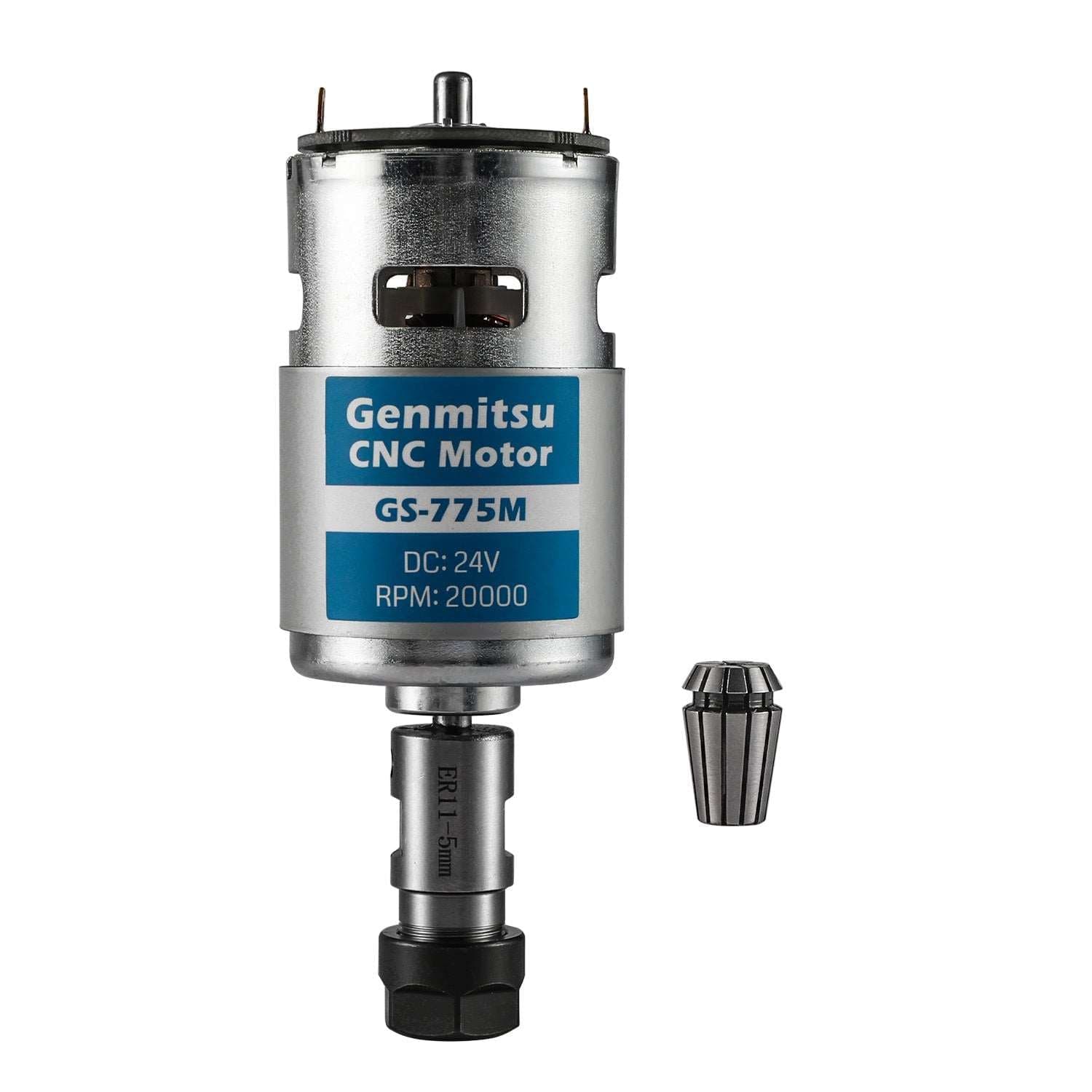 In stock
Genmitsu
Experience a quick and easy upgrade for your Genmitsu Desktop CNC.
£25
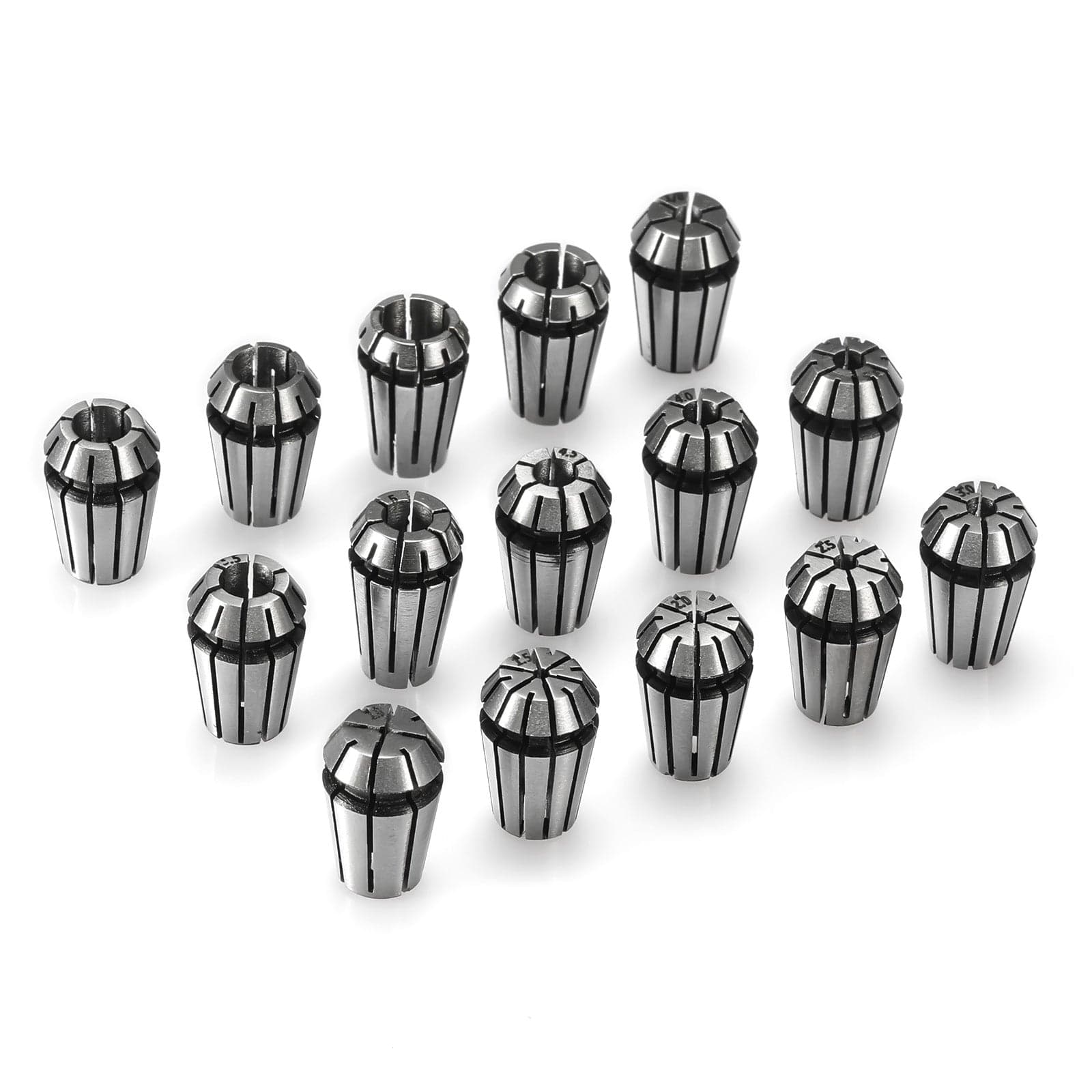 In stock
Genmitsu
Elevate your CNC milling with unmatched precision.
2 options available
From £21
The available configuration, its current price and stock status are shown above. Check the supplied items before ordering.
Yes. Storefront prices are shown in GBP including VAT. Available delivery services and charges are shown at checkout before payment.
Check the exact model, dimensions and interface listed in the specifications and supplied-items information. A shared brand alone does not establish compatibility. Contact Fabinity if your model is not listed.
Free UK delivery on this order
Your cart is empty
Add a printer, materials or spares and they will appear here.